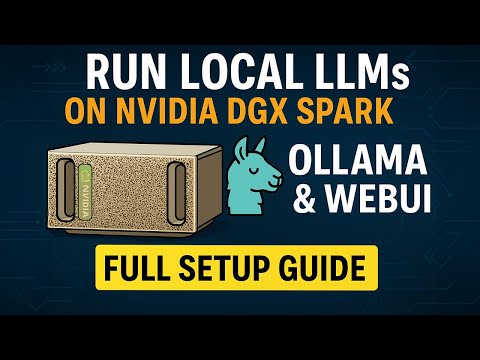
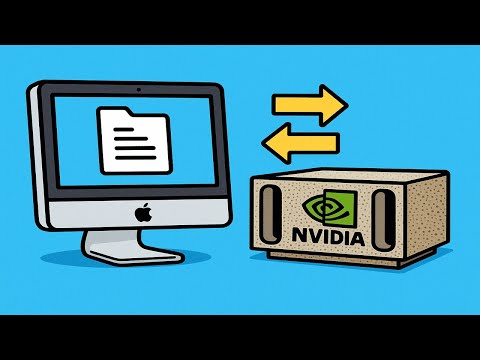
Running large language models (LLMs) locally is one of the best ways to experiment, benchmark, and understand how different models perform. In this hands-on walkthrough, I’ll show you how to set up Open WebUI with OpenAI’s GPT-OSS-20B — a 20-billion-parameter open model — running locally inside Docker. 💻 In this video, you’ll learn: • How to create a Docker container with and Open WebUI • How to expose Open WebUI to macOS via an NVIDIA Sync SSH tunnel • How to download and run GPT-OSS-20B on your own hardware I’m running this on an NVIDIA DGX Spark, a desktop-class Blackwell system built for AI engineers — but you can follow along on any machine--even a Windows or macOS laptop with a desktop-class GPU. If you’re interested in local AI development, NVIDIA DGX systems, or open-source LLMs, this video will walk you through everything you need to get started. Here's a link to the NVIDA Sync custom app start script for Open WebUI used in the walkthrough: 0:00 Introduction 0:33 Architecture 1:18 Docker Container 2:28 NVIDIA Sync Setup 3:41 Open WebUI Setup 3:55 LLM Download 4:20 Prompt 1 4:30 Prompt 2 4:54 Summary
- 3720Просмотров
- 1 месяц назадОпубликованоRob Kerr
Running OpenAI’s GPT-OSS-20B Locally with Open WebUI (Full Setup Guide)
Похожее видео



Популярное
Новини