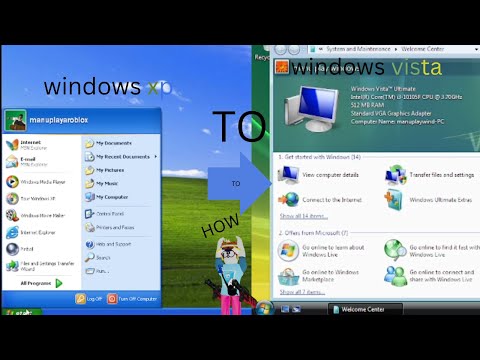
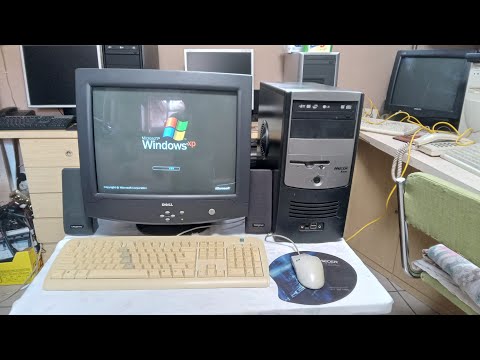
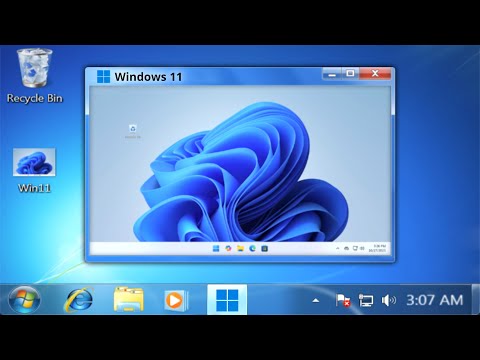
Upgrading Windows XP to Windows 10 (XP → Vista SP2 → 7 SP1 → 8.1 → 10 22H2) 32-bit Legacy Upgrade Journey in VMware In this video, I upgrade a Windows XP SP3 system all the way to Windows 10 22H2 — going through every major version along the way: 🪟 XP → Vista (SP2) → 7 Pro (SP1) → 8.1 Pro → 10 Pro (22H2) All upgrades are done in-place on a single 32-bit system, preserving data and settings as much as possible. To mark the journey, I also write a small note in WordPad after each install to see how the text and fonts carry across versions. 🖥️ System Specs: 1 GB of RAM (512 MB before Vista) 25 GB Disk (10 GB before Vista, 20 GB before Windows 7) 1 CPU Core VMware Virtual Machine 32-bit versions of all Windows OSes 📜 OS Versions Used: Windows XP Professional SP3 Windows Vista Home Premium SP2 Windows 7 Professional SP1 Windows 8.1 Professional Windows 10 Professional 22H2 📄 Bonus: A WordPad note is created and updated through each upgrade. Can a simple text file survive all these Windows versions? 💬 Drop a comment if you ever tried something like this! 👍 Like if you remember any of these operating systems 🔔 Subscribe for more OS experiments and retro computing content #WindowsXP #WindowsUpgrade #RetroTech #VirtualMachine #XPTo10 #WindowsHistory #VMware
- 56163Просмотров
- 4 месяца назадОпубликованоCircuit Sage
Upgrading Windows XP to Windows 10!
Похожее видео



Популярное
Новини