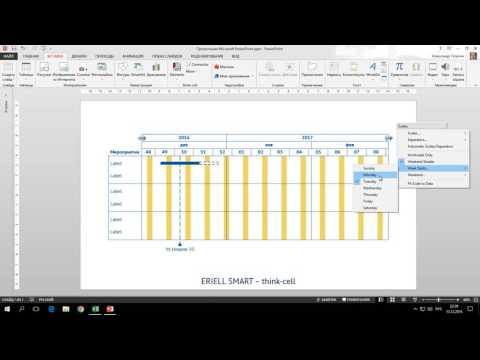
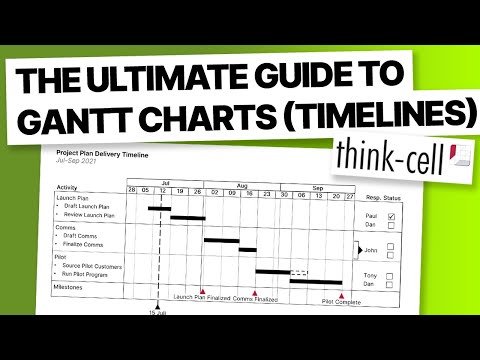
✅ In this Think Cell Tutorial you will learn how to create a Think Cell Gantt Chart in PowerPoint and how to adjust the different elements as well as customize the chart layout based on you individual preferences. With these simple, step-by-step instructions I will show you how to insert and customize a Gantt Chart in Think-Cell and you will get an overview of the different features and functionalities of such a project timeline. By getting a general overview and mastering the different possibilities and settings of a Gantt Chart in Think Cell you will be able to quickly and effectively adjust your future project timelines based on your specific project needs and thus, save a lot of time and effort! 🚩 This course is split in 4 major parts and covers the most frequently asked questions about Think Cell Gantt Charts: 1. Introduction (00:00) 2. Insert a Think Cell Gantt Chart and Explain the different chart elements (00:28) 3. How to adjust the individual elements of a ThinkCell Gantt Chart such as date range, activities or milestones - How to change the date range (01:38) - How to adjust activity labels (04:14) - How to insert or delete rows in the Gantt Chart in Think Cell (05:39) - How to insert or delete row separators (06:48) - How to adjust activity bars (08:52) - How to add milestones in a Think Cell Gantt Chart (11:55) - How to add other elements, i.e. process bars, shades, bracket (13:17) - How to insert columns (15:06) 4. How to customize the layout of a Gantt Chart in Think Cell, i.e. adjust scales and insert or delete column separators (18:50) - How to indicate dependencies (21:03) ▬▬▬▬▬▬▬▬▬▬▬▬▬▬▬▬▬▬▬▬▬▬▬▬▬▬▬▬▬▬▬▬ ⚡️ If you do not have Think Cell such that you cannot create a Think Cell Gantt Chart you can check out this tutorial that will show you how to create a Gantt Chart in PowerPoint ► 🔥 Want more professional PowerPoint presentation tips, slide designs & techniques? Subscribe ► ▬▬▬▬▬▬▬▬▬▬▬▬▬▬▬▬▬▬▬▬▬▬▬▬▬▬▬▬▬▬▬▬ MY FAVORITE OFFICE GEAR* 🖥️ My LG curved ultra-widescreen monitor: 🐭 My Logitech wireless mouse MX Master: 🎧 My Bose noise cancelling earphones: 🔊 My Jabra speaker for video conferences: 💻 My Lenovo Thinkpad X1 Carbon workhorse notebook: 🛋️ My BenQ ScreenBar: 🆙 My height adjustable standing desk: 💡 My Philips Hue smart light bars: MY FAVORITE SOFTWARE/TOOLS* 📊 Microsoft 365: 🔊 Where I listen to 30+ audio books per year: * Links are Affiliate links. This means I earn a small revenue share whenever a qualifying purchase is made via the link. The price for you stays the same = win/win 👍 #thinkcell #thinkcellganttchart #ganttchart
- 43718Просмотров
- 5 лет назадОпубликованоPresentation Mastery
Think Cell GANTT CHART TUTORIAL | EVERYTHING You Need To Know
Похожее видео









Популярное
Новини