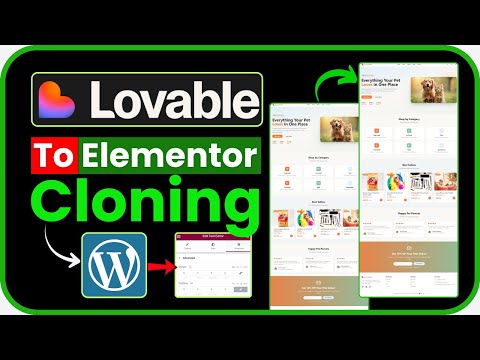
Learn how to convert a website into a WordPress theme, lower hosting costs, and improve SEO. This tutorial covers using the lovable ai tool to help with the conversion process. Watch to see how to use lovable and ditch platform restrictions. Create a prompt for lovable using grok: I want to help others create a business agency website using and convert it into a WordPress theme. Provide a concise explanation, then generate a prompt for to build a modern, responsive business agency website with a header (logo and navigation), hero section with a call-to-action, four-column services grid, about section with text and image, testimonial slider, contact form (name, email, message fields), and footer with social links and contact info. Ensure the prompt specifies modular HTML, CSS, and JavaScript in a downloadable zip, structured for WordPress theme conversion using a tool like Pinegrow, with compatibility for WordPress template files ( , , , ) and PHP template tags. Include a suggested tweet (not posted) for sharing the prompt, using hashtags #LovableDev and #WordPress, and offer to refine the prompt or suggest conversion tools. 00:00 Introduction to Converting Your Website 00:18 Common Issues and Initial Steps 01:01 Using Grok for Better Results 01:37 Setting Up Your Lovable Design 02:53 Connecting to GitHub 03:47 Uploading and Customizing Your WordPress Theme 04:57 Final Tweaks and Troubleshooting 07:15 Conclusion and Next Steps
- 8801Просмотров
- 4 месяца назадОпубликованоAit-Themes.Club
Loveable to WordPress: Avoid These Conversion Pitfalls (Step-by-Step Fix)
Похожее видео









Популярное
Новини