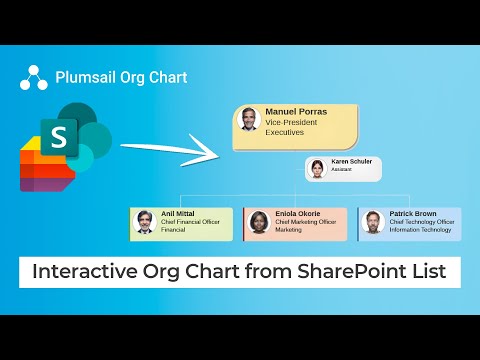
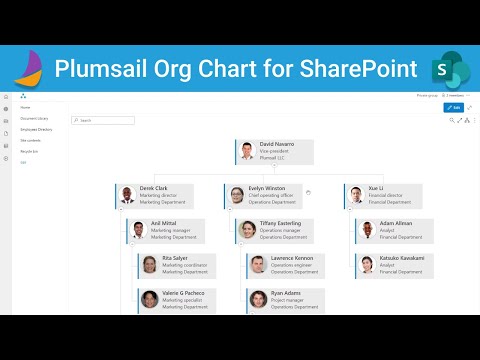
Learn how to create an interactive organization chart in #MicrosoftTeams using #PlumsailOrgChart. This step-by-step tutorial covers everything from installing the app via Microsoft AppSource, adding it to a Teams channel, and connecting it to data sources like SharePoint, Entra ID (Azure AD), Excel, or CSV — to configuring layouts, applying filters, customizing templates, and mapping employee-manager relationships. 👉 Try Plumsail Org Chart for free with a 30-day trial: [ ] Timeline: 0️⃣ 00:33 – Install Org Chart 1️⃣ 02:12 – Add Org Chart to Microsoft Teams channel as a tab 2️⃣ 02:51 – Configure Org Chart and select data source 3️⃣ 08:01 – Specify root employee and set filter conditions 4️⃣ 09:39 – Customize Org Chart design 5️⃣ 11:42 – Customize box, tooltip, and search templates More videos about Plumsail Org Chart: #PlumsailOrgChart #MicrosoftTeams #OrgChart #SharePoint #OrganizationChart #HRTech #TeamManagement #EmployeeDirectory #Microsoft365 #CreateOrgChart
- 963Просмотров
- 6 месяцев назадОпубликованоPlumsail
Interactive Org Chart for Microsoft Teams with Customization
Похожее видео









Популярное
Новини