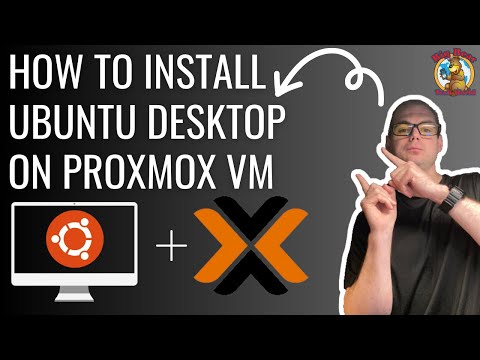
Learn how to install Ubuntu Desktop on Proxmox, set up a VM, and enable RDP for remote access. This step-by-step tutorial covers everything you need to know to get Ubuntu running in your home lab. Chapters: 0:00 - Intro 0:26 - Download Ubuntu Desktop 0:47 - Upload ISO to Proxmox 1:42 - Set Up VM 4:08 - Install Ubuntu 7:08 - Upgrade Ubuntu 8:42 - Enable QEMU Guest Agent 12:00 - Set Up Remote Access Using RDP to Ubuntu Commands Used in This Video: sudo apt update && sudo apt upgrade -y sudo reboot sudo shutdown now sudo apt install qemu-guest-agent systemctl start qemu-guest-agent sudo systemctl qemu-guest-agent Resources: Download Ubuntu: Proxmox Official Documentation: Need a Vacation? Let Us Plan It for You! My wife Brittany and I own TAKE Travels, a full-service travel agency specializing in custom vacations, cruises, and luxury getaways. Whether you're looking for a relaxing escape or an adventure-filled trip, we take care of everything so you can focus on making memories. When you book through us, we earn a small commission at no extra cost to you, which helps support our business. Get a quote for your next trip: #Ubuntu #Proxmox #Homelab #Virtualization #linuxforbeginners
- 6653Просмотров
- 10 месяцев назадОпубликованоRambling Tech
How to Install Ubuntu Desktop on Proxmox – Step-by-Step Guide!
Похожее видео




Популярное
Новини