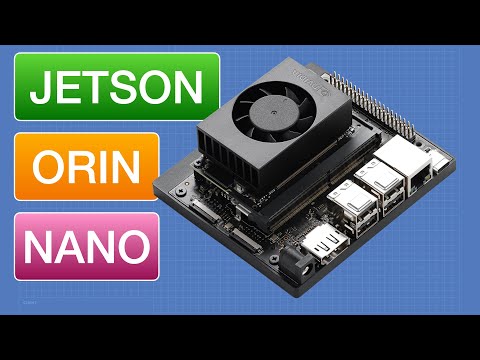
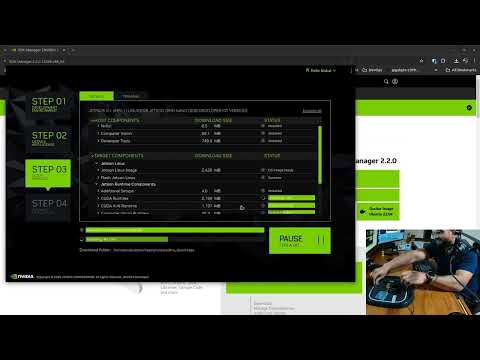
Dive into the world of edge AI with the NVIDIA Jetson Orin Nano Developer Kit! In this comprehensive tutorial from Engineer Ari Mahpour, learn how to set up your device, flash the microSD card, and unlock powerful machine learning capabilities. Ari walks through the entire process of getting your kit up and running, including installing firmware, running large language models, and performing real-time object detection. ⚙️ Key highlights: - Step-by-step setup guide for Jetson Orin Nano - Flashing microSD card with latest firmware - Demonstrating large language model execution - Real-time object detection using webcam - Practical edge AI applications explored ⚙️ Resources from this Video: - Companion Article: - Jetpack SDK page: - Balena Etcher: - Ollama: - Git clone ✨ Don't Miss Out: Subscribe to our channel for more electronics, supply chain, and industry content: @Octopart?sub_confirmation=1 ⚙️ Browse Octopart for Parts & Tech News: ⚙️ TikTok: @octopart_official ⚙️ Instagram: #EdgeAI #NVIDIA #JetsonOrinNano #MachineLearning #TechTutorial 0:00 Intro 0:35 Preparing the MicroSD Card Image 4:32 Hosting an LLM 13:05 NanoOWL Example 17:22 Conclusion and Key Takeaways
- 625Просмотров
- 1 месяц назадОпубликованоOctopart
Getting Started with NVIDIA Jetson Orin Nano Dev Kit
Похожее видео



Популярное
Новини