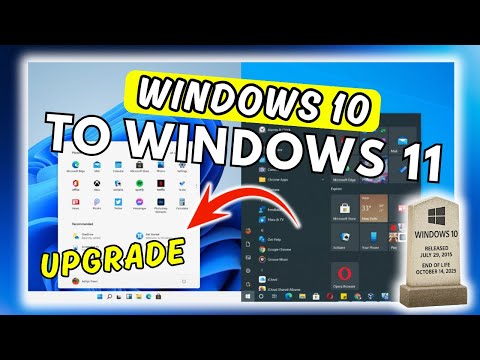
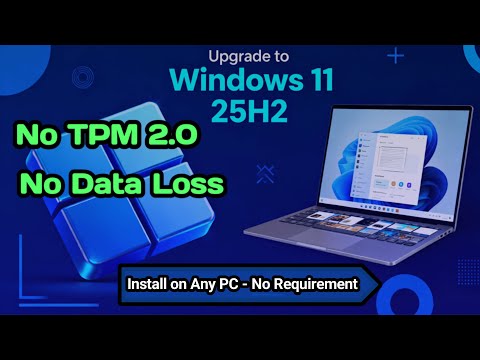
Learn how to UPGRADE from Windows 10 to Windows 11 on ANY PC in 2025 — even on unsupported hardware. In this step-by-step guide, you will see how to install Windows 11 without TPM, without Secure Boot, and without formatting your computer. Everything is done safely, keeping your files and programs. If your PC does not meet the Windows 11 requirements, don’t worry — this tutorial shows you exactly how to bypass all restrictions and upgrade smoothly. Whether you have an older laptop, a non-compatible desktop, or a machine missing TPM 2.0, this method will help you move from Windows 10 to Windows 11 fast and easily. 🔗 Recommended Links from the Video: _________________________________________ ✅ Official Microsoft Pages: 🔵 Download the Official Windows 11 ISO – Install it on your PC now! ➤ 🔵 Download the PC Health Check App: ➤ 🔵 Download WinRAR now and extract your files: ➤ _________________________________________ ✅ Command to skip requirement checks: ➤ /product server ✅ Command to use as the file name when creating the text file: ➤ _________________________________________ 😉 If you have any questions or need help, leave a comment below and we'll assist you as soon as possible! #windows11 #windows11upgrade #installwindows11
- 11820Просмотров
- 1 месяц назадОпубликованоTech Mods Studio
How to UPGRADE from Windows 10 to Windows 11 on ANY PC (No TPM, No Formatting) – 2025
Похожее видео
Популярное
Новини