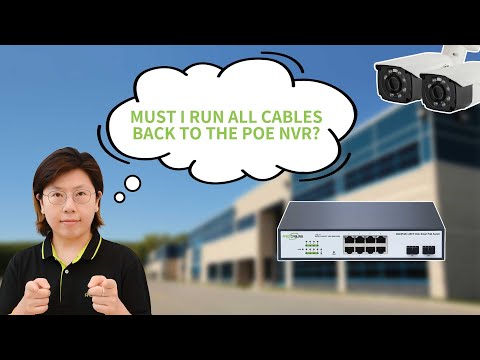
In this tutorial, we demonstrate how to connect a PoE camera to an AvaEye NVR using a PoE switch. This step-by-step guide walks through the network configuration and password settings required for a successful connection. In this video, you’ll see: - Overview of PoE connections and identifying LAN ports on the NVR - Using a USB mouse and HDMI monitor to access the NVR menu - Verifying network activity and refreshing the camera list after connecting Ethernet - Setting the default password for camera communication with the NVR - Adding a compatible AvaEye camera to the NVR using the private protocol - Alternative method: manually adding a camera using IP address, port, username, and password - Adjusting network settings including IP address, gateway, and DNS through the NVR menu This tutorial ensures you can correctly connect PoE cameras through a PoE switch and add them using an NVR. Learn more about AvaEye security products here: If this video was helpful, remember to like, leave a comment, and subscribe for more setup tutorials and system guides. Explore complete Security Camera Systems:
- 433Просмотров
- 1 месяц назадОпубликованоCCTV Camera World
How to Add a PoE Camera to an NVR Over the Network
Похожее видео










Популярное
Новини