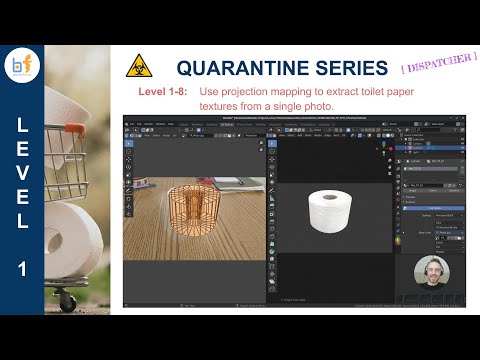
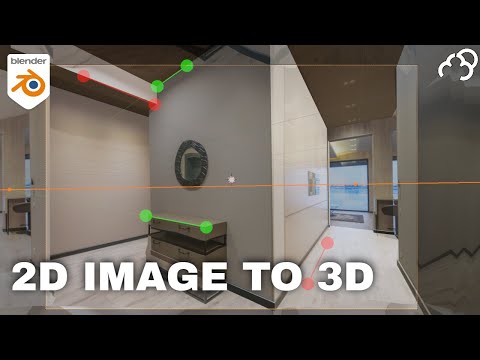
Learn the concepts of extracting textures from an image to use for your own 3D models. Timestamps below: 0:00 - Haircut!!! 0:35 - Intro 0:40 - Thank you, CGMatter!! 1:13 - Tutorial start 1:30 - Add a Background Image to the Camera 2:50 - Positioning a basic plane 3:35 - Create Flat and Projection UV maps 5:08 - Project from view 5:53 - Projection Painting - Simple Texture Extraction 8:33 - Projection Painting - FULL Texture Extraction 12:12 - BE CAREFUL - Flat in tact and Projection Selected! 13:46 - Resize Placeholder Image 14:40 - Fix Texture Warping 18:58 - More Practice! 21:00 - Clone from 3D Cursor to fix image mistakes 22:50 - Adjust geometry to fix image mistakes 23:57 - Texture Extraction Timelapse Pixabay Kitchen Photo by Solomon Rodgers:
- 11551Просмотров
- 5 лет назадОпубликованоBlender Frenzy
Projection Mapping 1 - Texture Extraction Concepts | Blender 2.82 Quarantine Series 1-7
Похожее видео

Популярное
Новини