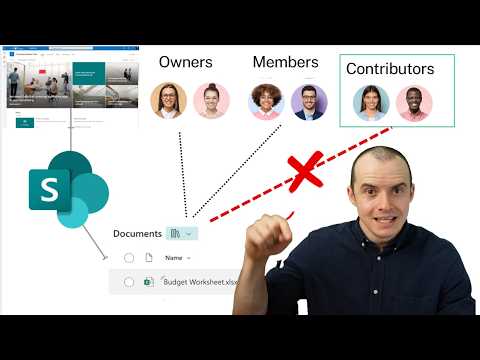
SharePoint permissions can be confusing—especially when you're new to helpdesk support. What’s the difference between Site Members, Site Owners, and Site Admins? When should you give access, and how much is too much? In this video, I break down how SharePoint permissions actually work in real-world support scenarios. Whether you're granting access to a document library or troubleshooting why a user can't share externally, this guide will help you understand the bigger picture. 👉 In this video: What Site Members, Owners, and Admins can and can't do How permission levels like "Edit" and "Full Control" work Tips for handling common SharePoint access tickets Real-world advice for helpdesk techs dealing with SharePoint 💡 This is part of the "SharePoint for Helpdesk Techs" series. If you're starting your IT support journey or just want to level up your Microsoft 365 skills—subscribe and follow along. #SharePoint #Helpdesk #Microsoft365 #SharePointPermissions #ITsupport #SharePointTraining #TechSupport #SharePointAccess
- 103Просмотров
- 6 месяцев назадОпубликованоTechies
Part 2. SharePoint Permissions Explained for Helpdesk Techs | Site Members vs Owners vs Admins
Похожее видео





Популярное
Новини