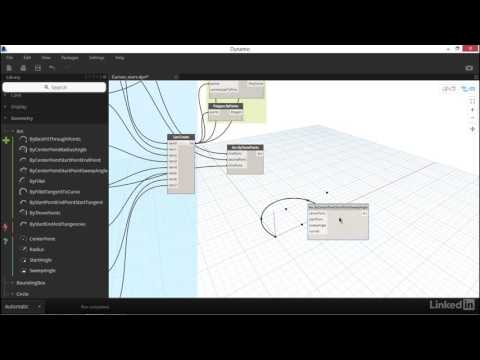
Note: This is a step-by-step workflow to create the graph. For abbreviated version, see below Common practice in my place when it comes to detailing r.c beams, we often provide an elevation for each beam, which will then be completed with detail elements representing rebars, stirrups/links, annotations and etc. This graph automates the "section-cutting" process. However, there are limitations to what the graph can do, for example - it only works on beams that were modeled in a (on plan view) "from left to right" and "from south to north" fashion - the "sort by X- and Y-coordinate" routine sometimes yields unexpected result, causing a shortened section cut This graph is using custom node from Dynamo package " ". Han's post "Automate Section Views for Wall Documentation using Dynamo" gives a detailed explanation on how to use node , link below For graph to automate the process of numbering beams, see below Timestamps 0:00 Title & notes 0:52 Single out beam elements 1:32 Sort beams by direction & continuity 4:30 Construct beam geometries 8:10 Get beam depth 10:12 Create sections 13:14 Run graph 14:17 Note 15:00 Get beam names 17:02 Update section view names 17:40 Run graph
- 1337Просмотров
- 3 года назадОпубликованоDon's Work
Dynamo: Bulk Create Beam Elevations (Step-by-step)
Похожее видео




Популярное
Новини