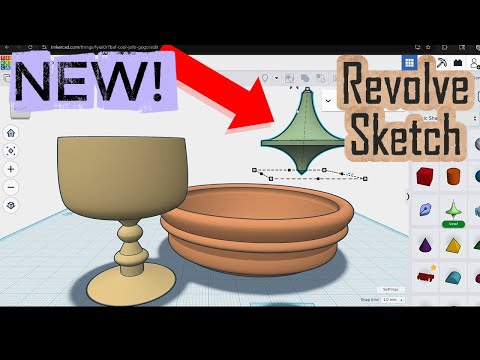
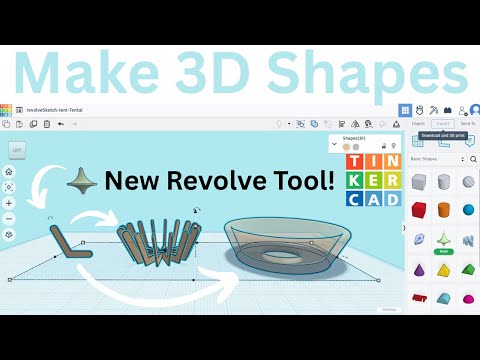
In this video, I break down why Revolve Sketch has become my go-to tool in Tinkercad—especially when creating shapes like cylinders, cones, polygons, and rings. While Tinkercad’s classic shape generators are great for quick designs, their limitations start to show once your projects get more detailed or creative. Revolve Sketch changes everything. By sketching a custom profile and revolving it around an axis, you can create shapes that go far beyond what the default shape tools allow. Need custom bevels? Unique tapers? Smooth transitions? More control over proportions? Revolve Sketch lets you design all of it with precision—and once you start using it, it’s hard to go back. Chapters 00:00 Intro - Just Revolve it! 00:26 So long cylinder tool 06:21 Be gone polygon 08:00 No pyramid, no cone necessary 12:27 One ring to rule them all #tinkercad #design
- 2879Просмотров
- 2 недели назадОпубликованоTECHNOBENTO
Tinkercad’s Revolve Sketch makes these shape generators obsolete
Похожее видео

Популярное
Новини