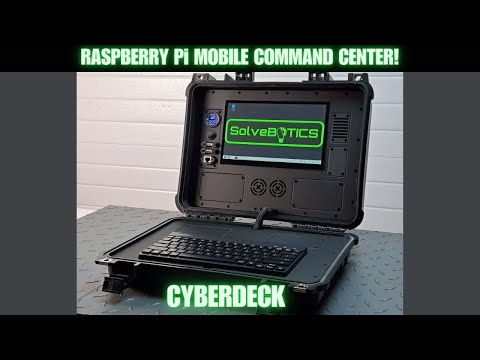
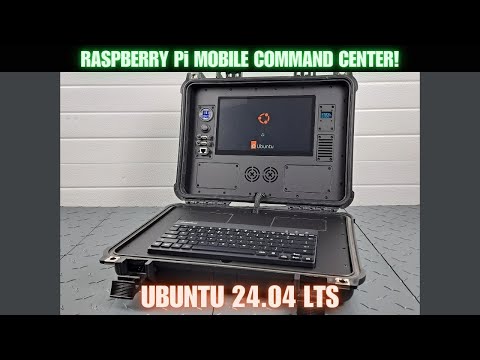
The SolveBOTICS Mobile Command Center Cyberdeck is designed to be portable, rugged, and offer maximum flexibility. This system can be used with a Raspberry Pi 4B or Pi 5. This video shows the process for: disassembling the Mobile Command Center, replacing the Raspberry Pi 4B with a Pi 5, adding custom hardware, then re-assembling the Command Center. Link to SolveBOTICS website: Link to SolveBOTICS Etsy store: 00:00 Introduction 01:06 Background information 01:35 Gratitude 02:19 Tools needed 04:12 Remove the Bezel and Panels 04:38 Loosen Underplate Assembly screws 05:22 Locate Power Distribution Board and Connections 05:57 Disconnect six system cables 06:29 Remove the Underplate Assembly from system 06:55 Close-up view of Power Distribution board 07:11 Backside view of Underplate Assembly 07:16 Overview of system cables 07:40 Overview of Raspberry Pi cables 08:25 Disconnect Raspberry Pi, model 4B cables 09:47 Loosen Hex Standoffs and remove Pi 4B 10:55 Install Raspberry Pi 5 11:49 Connect Raspberry Pi 5 cables 11:59 HDMI cable connection (Use HMDI 1 port) 13:15 Connections for 5V power lead for Main Display 13:58 New and improved OLED Status Display 15:05 Installation of improved OLED Status Display 16:26 Re-installation of Underplate Assembly into Mobile Command Center 16:48 Overview of six system cable for reference 17:00 Re-connect six system cables 18:29 Clear cables from the supports when installing Underplate Assembly 18:53 Re-install 4-40 screws to secure Underplate Assembly 19:26 Test of Mobile Command Center before installing Bezel 19:58 Re-install Bezel 20:09 Re-install Panels 20:22 Summary 20:53 Conclusion Link to SolveBOTICS website: Link to SolveBOTICS Etsy store: 2025 SolveBOTICS LLC Music at 20:53: "Beneath the Surface" by Synthesaur Music
- 527Просмотров
- 7 месяцев назадОпубликованоSolveBOTICS LLC
Mobile Command Center Cyberdeck Disassembly and Reassembly Guide
Похожее видео





Популярное
Новини