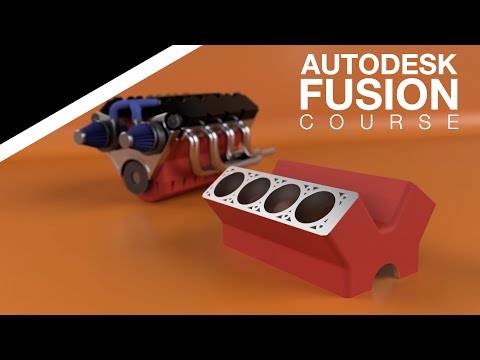
Get your parts 3D Printed or CNC machined by PCBWay - In the second tutorial of our V8 Engine series for beginners, you will model the engine block. This will be presented in 2 parts as there will be a lot of fundamental principles of design taught, including how to create a new component, Extrude tool basics, sketches, Circular Pattern, 2-Sided Extrude, and how to change the material and appearance. Welcome to the Learn It! Channel. Let’s make the Engine Block. Get the official PDF drawings and watch our tutorials ad-free by becoming a Patreon member here: If you are a Titanium tier or higher member, please feel free to email me to be put on a mailing list to get the official drawings sent to you. Email can be found on the About section of our YouTube channel. Save this entire V8 Engine course playlist here: (Not sponsored) Win a free 3DConnexion SpaceMouse Wireless Kit. Details here: Buy a 3DConnexion SpaceMouse here: For related links in this tutorial, click here: 00:00 - Start 00:30 - Create a detailed sketch 03:43 - Rectangular pattern 13:52 - Hole tool 19:03 - Circular Pattern tool 22:21 - 2-Sided Extrude 27:14 - Change the material and appearance * This course is loosely based on a Solidworks tutorial on YouTube found here:
- 1643Просмотров
- 2 недели назадОпубликованоLearn It!
Autodesk Fusion Course for Beginners 2B - V8 Engine - Engine Block (2025)
Похожее видео

Популярное
Новини