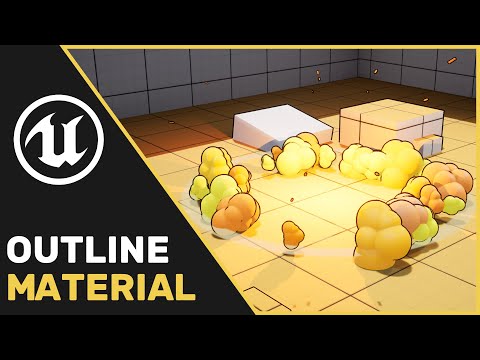
Welcome to our Advanced Outline Material Tutorial! We cover the process of creating an advanced Outline post process material, that can pick out details in the environment. Plus, near the end we talk about how to include custom depth and use it to highlight objects in the world. Help us out by adding our first game Button Pop to your Wishlist on steam! Check out Button Pop on Steam now! : Multi Sample offset Paste Bin: Follow us on : If you guys have any feedback or ideas for future tutorials, leave a comment down below! I hope you enjoy. Music from : Konrad OldMoney - Cha Da Cup Riddim NEFFEX - Til I Hear'em Say Mini Vandals - Kind of a Party TrackTribe - High Noon TrackTribe - Drop the Tapes Have a project? We can help. We do work for hire! Contact us: support@ 00:00 Intro 00:30 Set up 02:25 Functions 06:45 World Normal Function 10:10 Texel Size 13:15 Normal Ladder 17:30 Depth Ladder 22:00 Depth Mask 27:15 Custom Depth 33:10 Custom Depth Texel Size 37:00 Custom Depth Ladder 40:50 Issue and Fix #gamedev,#indiedev,#unrealengine,#UE4,#UE5,#indiegamedeveloper#ButtonPop
- 6982Просмотров
- 2 года назадОпубликованоReality Adrift Studio
UE4 | UE5 Tutorial : Outline Material (Advanced)
Похожее видео
Популярное
Новини