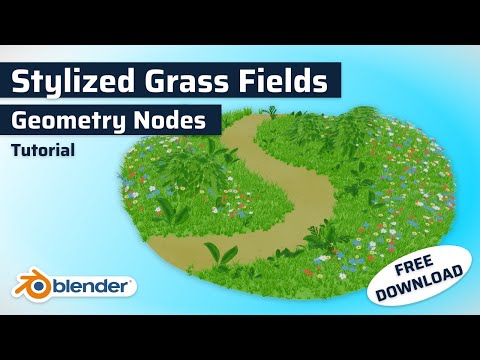
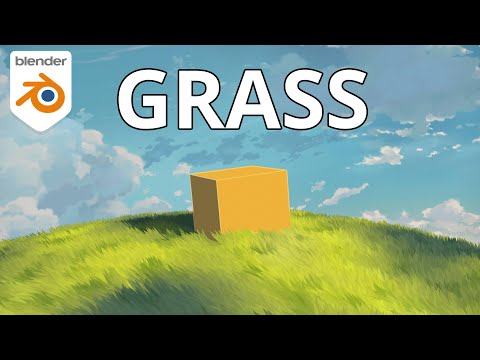
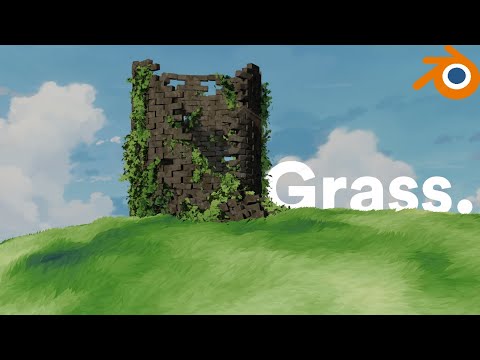
CC: English & Vietnamese In case you prefer to read: Demo file (Free): In today’s video, I’m going to guide you through the process of creating anime-style grass in Blender using a tailored workflow specifically designed to mimic the detailed look of nature typically found in grassland with minimal effort. ***Note: In newer Blender versions: The blend mode was replaced with Render Method (Choose Dithered). To turn off shadow per object, In properties bar, go to Object/Visibility/Ray Visibility/uncheck "Shadow". To turn off shadow per material, inside shader editor, you can use a "mix color" with a "light path" node (choose "Is Shadow Ray"). See here: #materials ***Important Note: For all functions to work correctly, please use Blender 4.1. If you use 4.2 or later versions, just skip the synchronization part at 10:38. ***Also if you download the Demo file, you should open it in 4.1. If you open the project in other version there might be bugs. 00:00 Intro 1:01 Context 1:20 The Plan 2:41 Preparation 3:18 Step by Step - 1/5 4:40 Step by Step - 2/5 8:00 Step by Step - 3/5 10:38 Synchronization - Blender 4.1/below - skip this in later versions 11:15 Step by Step - 4/5 13:33 Step by Step - 5/5 15:28 Optimize Workflow 16:10 Retrospective 17:53 Find Me
- 173220Просмотров
- 1 год назадОпубликованоtrungduyng
Anime Grass Tutorial | Blender (include Project Files)
Похожее видео

Популярное
Новини