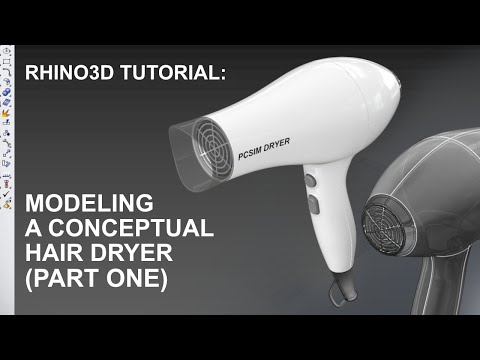
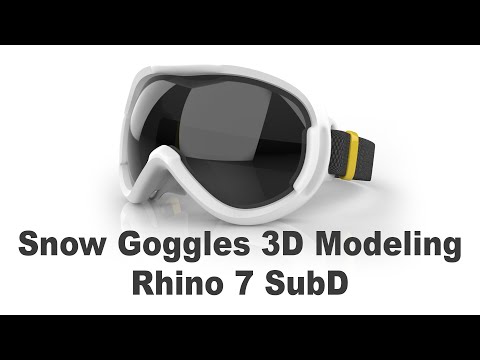
In this tutorial, we are going to model a challenging product with the help of the new SubD tools in Rhino 7. Rhino is a great program for industrial designers since it allows for quick assessment and iteration. In this series, I want to give you a small window into how I would create a CAD model during my design process. This can be used in your own process in order to create models for rendering or design reviews. Video Timeline: Intro: (0:00) References: (1:23) SubD Modeling: (10:50) Detail 1 (Recieding Edge): (26:02) Details 2 (Parting Line): (40:59) Details 3 (Vents and Logo): (48:48) Details 4 (Screws & Cable): (01:03:32) Outro: (01:15:52) PureRef: Follow me on Instagram:
- 34863Просмотров
- 4 года назадОпубликованоDaniel Brunsteiner
Rhino 7 Tutorial - Product Design Modeling with SubD
Похожее видео

Популярное
Новини