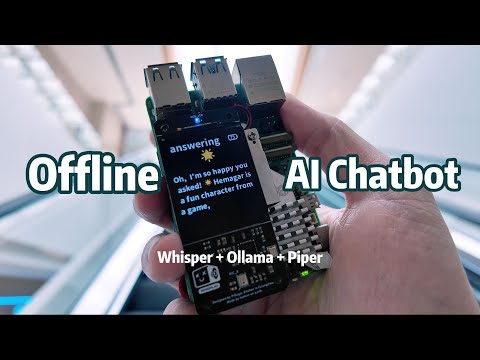
Ready to take your smart home to the next level? In this video, I’ll show you how to install Home Assistant on a Raspberry Pi, add smart devices, and build your own local voice assistant powered by AI — all without the cloud or any monthly subscriptions! We'll set up wake word detection, speech-to-text, and even integrate large language models like LLaMA or DeepSeek — running locally for complete privacy and control. 🔒 No Alexa. No Google. Just pure, private, powerful automation. 📂 Watch Next: ▶️ Run AI Models Like LLaMA or DeepSeek Locally 👉 💾 Backup Home Assistant to Your Own NAS 👉 ⏱️ Chapters: 00:00 – Intro 01:12 – Hardware Setup 01:49 – Installing Home Assistant OS 02:56 – Account Creation & First Login 04:12 – Adding Devices (Auto + Manual) 05:55 – Simple Automation Example 06:47 – AI Voice Assistant Setup (Whisper, Piper, Wake Word, LLaMA) 10:22 – Live Voice Assistant Demo 🔧 Tools Used: Raspberry Pi 4 Kaysuda USB Mic/Speaker Home Assistant OS Whisper, Piper, OpenWakeWord Ollama with LLaMA model 👉 Don’t forget to like, subscribe, and comment if you’re building your own smart voice assistant. 📬 Got questions or setup issues? Drop them below! #HomeAssistant #RaspberryPi #VoiceAssistant #SmartHome #LocalAI #OfflineVoiceAssistant #NoCloud #LLAMA #OpenSource #Whisper #Piper #HomeAutomation
- 14300Просмотров
- 8 месяцев назадОпубликованоJack Of All Tech
Local JARVIS on Raspberry Pi – 100% SECURE & FREE!
Похожее видео






Популярное
Новини