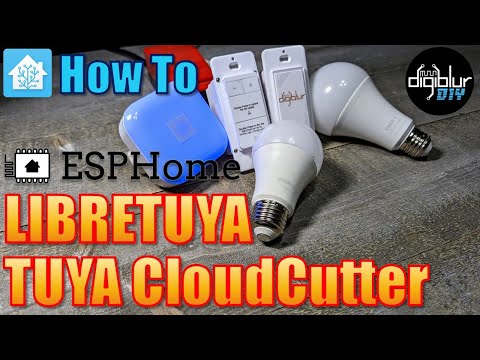
Cut the Cloud with your Tuya Devices - Geaux LOCAL - #GYSOOTC - KMC Power Strip - Cree Connected Max - *Affiliates ⚡Raspberry Pi 4 - MicroSD Card - ⚡Device I've Cloudcut and put ESPHome on Anwio Bulbs - KMC Power Strip - UltraPro Switch - NightLight Plug WB3S - Lumary Downlights - UltraPro Switch - Xenon Power Strip - Cree 5 Button Switch - Fan/Dimmer Controller - Feit Power Strip - ⚡Resources Tuya-Cloudcutter Cloudcutter Devices LibreTuya ⚡Products We Use/Recommend Amazon US - Amazon UK - Amazon CA - ⚡Be Social!⚡ Main Website - Discord Chat - Patreon - Join Facebook - Instagram - Please note, the product links above could be affiliate links, using them could earn digiblurDIY a small commission of most purchases and helps with future video projects. Thank you! 00:00 But Why? 02:30 What do I need? 03:53 Raspberry Pi Install 10:25 Install Tuya-Cloudcutter 12:43 Cutting the Cloud 17:45 ESPHome Kickstart 19:56 Creating the ESPHome Device Config 26:12 Wireless install of ESPHome 29:19 Adding to Home Assistant 30:47 Closing Thoughts 31:32 What if I don't have a profile for my device?
- 65537Просмотров
- 1 год назадОпубликованоdigiblur DIY
Tuya-Cloudcutter & ESPHome: How-To Guide w/ Home Assistant
Похожее видео





Популярное
Новини