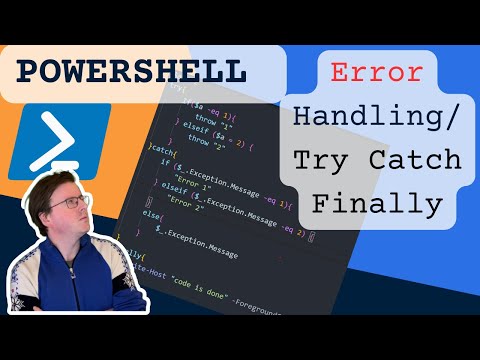
The statements in PowerShell allow you to handle exceptions (errors) in your scripts. One of the unique concepts in PowerShell exceptions is the notion of a terminating error versus a non-terminating error. In this video, we'll explore the difference between both types of exceptions, and learn how to effectively use to handle exceptions in a calculated manner. In addition, we'll take a look at how to use multiple catch blocks to handle specific types of errors uniquely. The $ErrorActionPreference variable can be used to control the behavior of PowerShell cmdlets, when an exception is thrown. By setting $ErrorActionPreference to 'stop', you can change non-terminating errors into terminating errors. Only terminating errors are caught by the "try" block, so if you're struggling with a script where isn't working correctly, you might want to ensure that you're considering terminating versus non-terminating errors as a potential problem. Microsoft Documentation for PowerShell's statement: Producer: Trevor Sullivan Website: Patreon: Twitter: Gab: Intro music "Amen Tune" used, with permission, from Aaron Static. Check out his music here: #DevOps #PowerShell #VSCode 0:00 Intro 2:23 Exploring Non-terminating Errors 4:11 Wrap Commands in 8:09 Force Errors to Become Terminating Errors 11:22 Handling Multiple Specific Error Types 15:45 PowerShell Finally Statement 17:38 The $PSItem Automatic Variable
- 10937Просмотров
- 5 лет назадОпубликованоTrevor Sullivan
Handling Errors in PowerShell with Try..Catch..Finally
Похожее видео



Популярное
Новини