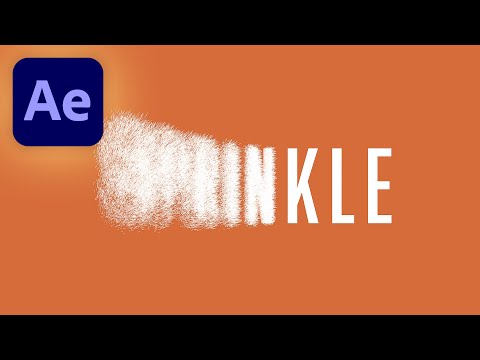
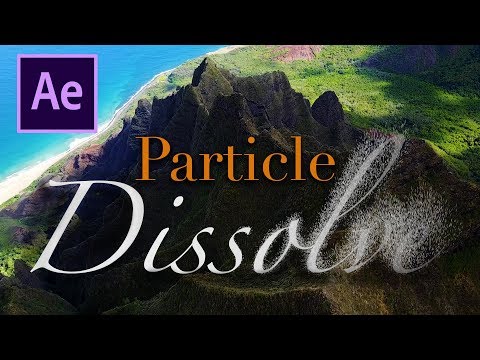
🎬Unlimited Assets: ✨Editing Plugins: Want to quickly turn your text into particles? Then this tutorial is for you! In this video you will learn how to create text to sand, text to dust animation in Adobe After Effects without any third party plugins. Particle dissolve effect can be used in many scenarios, such as logo animation, intros or outros, text animation and more. Luckily After Effects has built in effects to create an awesome particle dissolve scene in just couple of minutes. After watching this video you will be able to turn any text, title, lower third into sand or dust particles. This is a highly creative and customizable effect, so make sure to experiment with the settings and create a text to sand, text to dust animation that you like. You can also get a free project file below if you want to follow along this tutorial. 🔔Subscribe to my channel for more tutorials: 💾Download Project File: ✅AFTER EFFECTS TUTORIALS =================================== 3D Electric Intro: Trendy Logo Animation: Glitch RGB Effect: Electric Neon Effect: Neon Lines Looping BG: Motion Blur Trail: Smooth Text Reveal: Liquid Drip Effect: Shape Transitions: Animated Shapes Background: Glowing Torus Background: Smooth Gradient Background: Gradient Facecam: Twitch Follow Button: YouTube Subscribe Overlay: YouTube Subscribe Button: YouTube Channel Banner: Notification Bell: Click Effect: Audio Spectrum/Visualizer: Circle Bursts: Export & Import Templates: Auto Resizing Boxes: Pendulum Animation: 8D Audio Effect: Zoom Transition: Upscale 720p to 4K: Animated Title: Slow Motion: ✅PREMIERE PRO TUTORIALS =================================== Smooth Zoom Transitions: SOCIALS =================================== 📷Instagram: @smertimbagraphics "This description contains affiliate links. If you click the link and make a purchase, I earn a small commission—at no extra cost to you" #TextToSand #ParticleDissolve #AfterEffects
- 261589Просмотров
- 4 года назадОпубликованоSmertimba Graphics
Text to Sand Animation Tutorial | After Effects Particle Dissolve | Text to Dust Effect | NO PLUGIN
Похожее видео




Популярное
Новини