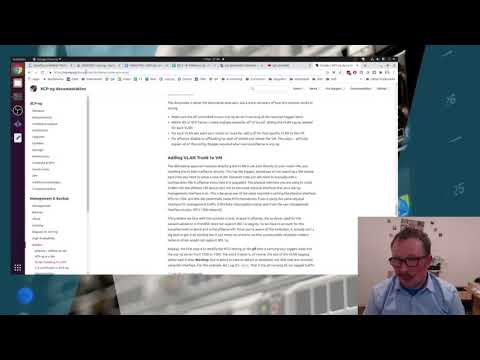
This is the second video in a series talking about the open source hypervisor XCP-ng and how we at QCT set it up for our customers. Ep2 takes you through the process of downloading, creating a memory stick (in Linux and Windows), installing XCP-ng our way, setting up some local storage and getting Xen Orchestra installed to manage the server going forward. Notes ===== xcp-ng website list block devices lsblk dd command sudo dd if=./Downloads/ of=/dev/YOUR DEVICE HERE bs=8MB conv=fsync status=progress XCP-ng storage commands xcp-ng-org/docs/ - link to drive adaptor video - - link to Tom Lawrence - Link to QCT if you need any assistance with this kind of project
- 3882Просмотров
- 4 года назадОпубликованоQuietly Confident Technology
XCP-ng How To 101 - Episode 2 - Download, install and get XOA up
Похожее видео










Популярное
Новини