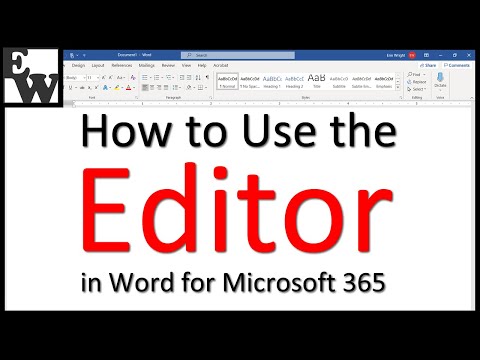
Learn how to use the Editor in Word for Microsoft 365. The Editor is Word’s spelling and grammar check. 📌 This is an update to my previous tutorial of the same name. Chapters: 0:00 Introduction 1:27 How to Select Grammar Issues & Refinements 4:16 How to Run the Editor 4:43 How to Review the Suggested Edits 8:35 How to Finish the Edit 9:13 How to Run a Fresh Edit 📝 Companion Blog Post/Transcript for this Video ========================================= How to Use the Editor in Word for Microsoft 365 (Updated) 💻 Related Resources ================== Microsoft Support "Editor's spelling, grammar, and refinement availability by language" How to Use Microsoft Word 2016’s Spelling and Grammar Check How to Create a Custom Dictionary in Microsoft Word How to Create an Exclusion Dictionary in Microsoft Word How to Change the Proofing Language in Microsoft Word How to Use Microsoft Word (Playlist) 💻 Please visit my website at for more writing-related software tutorials. Thank you for watching! #microsoftword #microsoft365 All Rights Reserved © 2025 Erin Wright
- 31073Просмотров
- 4 года назадОпубликованоErin Wright Writing
How to Use the Editor in Word for Microsoft 365 (Updated)
Похожее видео




Популярное
Новини