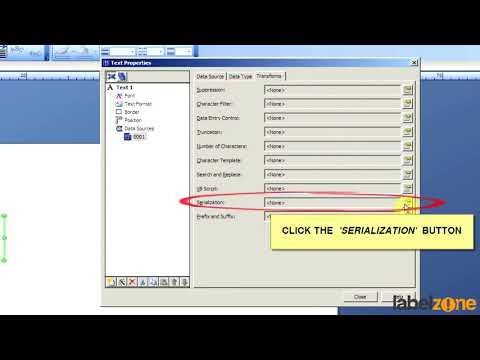
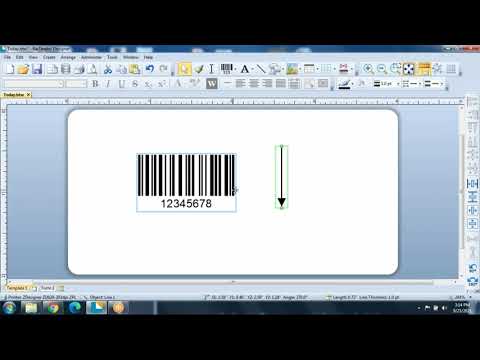
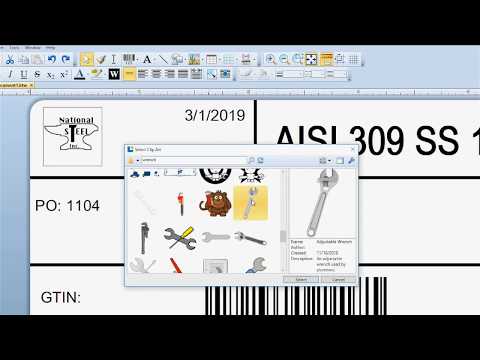
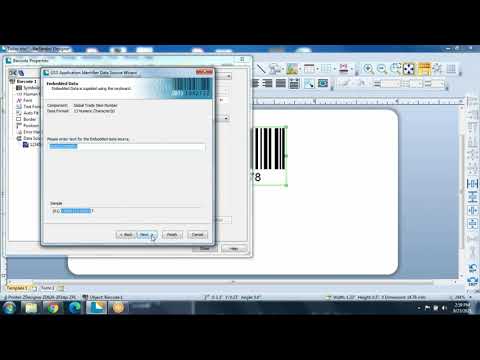
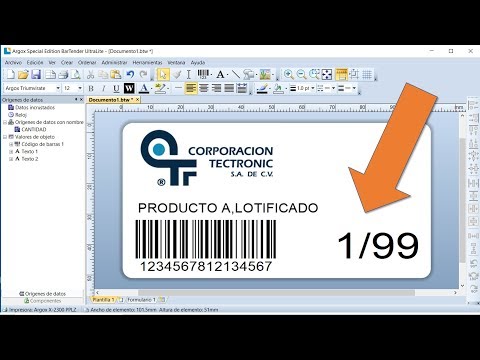
Start with a label with a part number on it. Go to view --- toolbox --- components. Under serialization, select Label X of Y. When printing, choose File---Print Select your serial number for how many boxes you’d like to print. To set your number from a database, select properties, choose Data Sources, and select “Database” as your data source. You’re now ready to prent sequential labels for your boxes. For more about BarTender labeling software, visit:
- 11333Просмотров
- 4 года назадОпубликованоSymbology Enterprises
Sequentially Labeling Boxes (Serialization) in BarTender
Похожее видео



Популярное
Новини