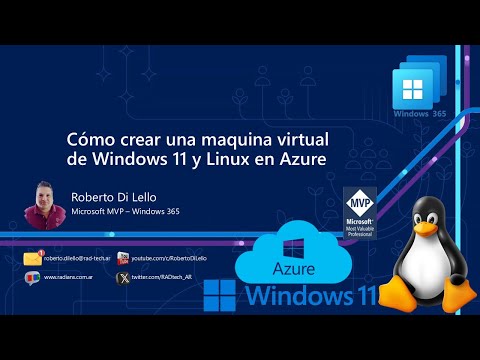
What are Virtual Machines? A virtual machine (VM) is like a computer running inside another computer or in the cloud. It acts like a real PC, letting you run Windows, Linux, or other operating systems without needing extra hardware. VMs are great for practicing IT skills, testing apps, or troubleshooting without risking your main system. In this guide, I will walk you through creating Windows and Linux VMs in the Microsoft Azure portal. After the Virtual Machines are created, we will test their functionality utilizing Remote Desktop. Remote Desktop is a Windows feature that lets you connect to and control a computer from another device over the internet or a network, like accessing your work PC from home. It’s commonly used to manage virtual machines or troubleshoot systems remotely. For example, with Microsoft’s Remote Desktop Protocol (RDP), you can log into a Windows VM in Azure using its public IP and credentials.
- 52Просмотров
- 1 месяц назадОпубликованоTyler Gehm
Creating Windows and Linux Virtual Machines in Azure Portal
Похожее видео









Популярное
Новини