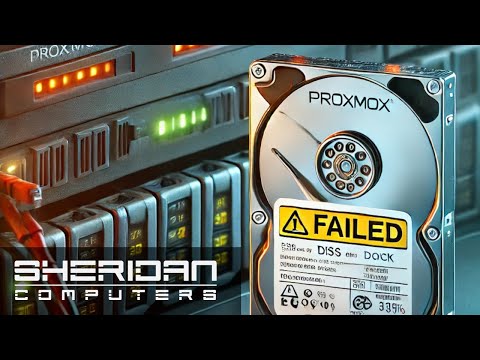
Thanks to Vultr for sponsoring today's video. Visit to start your free trial, and receive $250 in credit for your first 30 days! This video is going to focus on a ZFS Mirror inside Proxmox, but the commands and steps apply to nearly every type of ZFS array, regardless of the system they're running on. In short, there are four commands you should know... zfs status - Display the health and disk info for all ZFS Pools zfs scrub [pool_name] - Verify all data block can be read in a ZFS Pool zfs offline [pool_name] [disk] - Deactivate a disk in a ZFS Pool zfs replace [pool_name] [old_disk] [new_disk] - Remove a disk from a Pool, and replace it with another But first... What am I drinking??? Ex Novo Brewing (Portland, OR) Proper Fence NZ Pilsner (4.8%) *Links to items below may be affiliate links for which I may be compensated* Recommended Videos: What is RAID? - Proxmox 8.0 Tutorial - Observium Network Monitor - Grab yourself a Pint Glass at Follow me on Mastodon @Craftcomputing@ Support me on Patreon and get access to my exclusive Discord server. Chat with myself and the other hosts on Talking Heads all week long.
- 46511Просмотров
- 2 года назадОпубликованоCraft Computing
What to do with a Degraded ZFS Pool
Похожее видео






Популярное
Новини