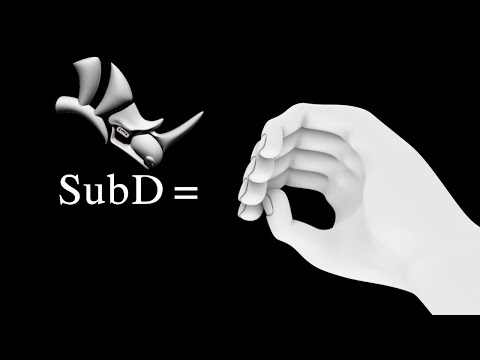
🔥 Learn how to model a hyper-detailed hand using SubD (Subdivision) tools in Rhino 3D! This step-by-step tutorial is perfect for 3D artists, product designers, or anyone looking to master organic modeling in Rhino. Contact 7505803776 In this video, you’ll discover: ✅ SubD Basics: How to start with simple geometry and refine it into complex organic shapes. ✅ Anatomical Accuracy: Techniques to sculpt realistic fingers, knuckles, and palm details. ✅ Edge Flow & Topology: Best practices for clean, animation-ready topology. ✅ Pro Tips: Time-saving shortcuts and workflow hacks for Rhino’s SubD tools. 📌 Timestamps: 0:00 - Intro to SubD in Rhino 2:15 - Blocking Out the Hand Shape 5:40 - Adding Finger Details 10:30 - Refining Knuckles and Palm Tools Used: Rhino 7/8 SubD Tools Mesh Editing & Control Points Who is this for? 3D Artists transitioning to Rhino Beginners learning organic modeling Architects/designers exploring SubD workflows 💬 Have questions? Leave a comment—I’ll reply ASAP! 👍 Like this video? Subscribe for more Rhino tutorials, SubD tips, and 3D modeling guides! #Rhino3D #SubDModeling #3DModelingTutorial #OrganicModeling #DigitalDesign #3DArt #CADTutorial #LearnRhino
- 556Просмотров
- 9 месяцев назадОпубликованоMuhammad Faizan
"Master SubD Modeling in Rhino 3D | Create a Detailed Hand (Step-by-Step Tutorial)"
Похожее видео




Популярное
Новини