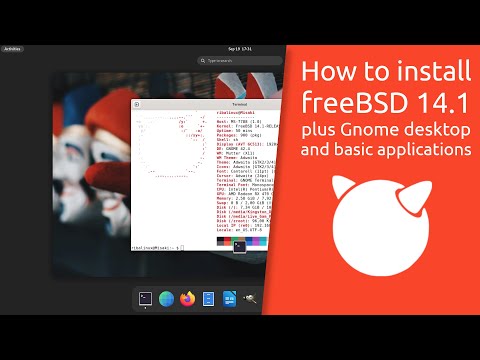
In this video, I walk through the process of setting up a the GNOME desktop environment on FreeBSD to prepare for daily desktop use. Welcome to TECHMIMIC. Monkey see, monkey do! View, imitate, replicate. You have an issue to fix, you found us, we tell you how to fix it. Boom! LINKS FreeBSD Repositories Explained – Fix Missing Packages Easily (No packages available....) How to install XFCE on FREEBSD: How to install KDE on FREEBSD: How to FIX your MOUSE pointer in FREEBSD in a Virtual Machine on QEMU/Virtualbox SOURCES Link to the "Graphic card drivers" table in the FreeBSD handbook as mentioned: #x-graphic-card-drivers SUPPORT Support the channel with a cup of coffee Or a YouTube "Super Thanks", which directly supports the channel and will be visible to all in the comments! MUSIC Jazzaddict's Intro by Cosimo Fogg DISCLAIMER The instructions in this video are for informational purposes only. Follow these steps at your own risk. TECHMIMIC cannot be held responsible for any data loss, damage, or issues that may arise. Always back up your data before making any changes. #howto #tutorail #freebsd #bsd #xwindows #gnome #desktopmanager #gui #installgnome #freebsddesktop
- 5468Просмотров
- 1 год назадОпубликованоTECHMIMIC
How to install GNOME on FREEBSD
Похожее видео



Популярное
Новини