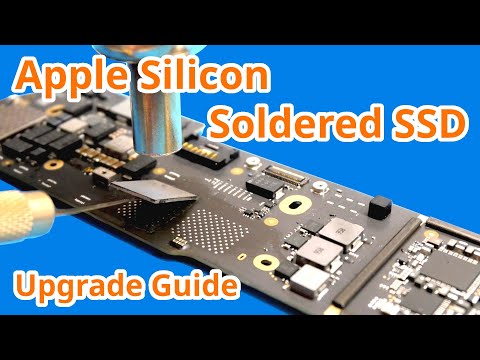
🔥 Upgrade Your Mac mini M4 Pro Storage 2TB SSD ➤ 4TB SSD ➤ Today I’m upgrading my Mac mini M4 Pro from 512GB to 4TB — for a fraction of Apple’s upgrade price. This guide walks you through the entire process step-by-step, including backup, hardware removal, SSD swap, DFU restore, and real-world speed benchmarks. In this video you’ll see: • Time Machine backup + turning off Find My Mac • Unboxing the 4TB M4BoostHub SSD • Opening the Mac mini + removing the fan/base • Swapping the original SSD • Restoring macOS via DFU mode • Restoring from backup • Drive speed tests (internal & external) • Large file transfers • Final thoughts + performance summary ⏱️ TIMESTAMPS 0:00 Intro 0:45 Time Machine backup / sign out 0:59 4TB SSD unboxing 1:35 Opening the Mac mini 3:41 Removing the SSD 3:45 Comparing original vs replacement 4:13 Installing the new SSD 4:53 Closing the Mac mini 5:58 DFU kit (Windows PC option) 6:10 Entering DFU mode 6:46 Restoring macOS 7:56 Activation unlock 8:20 Restoring from backup 8:52 Internal speed tests 9:09 AmorphousDiskMark 10:22 WD SN850X external home drive test 10:40 650GB file transfer 11:32 Summary 👉 Check out my recommended gear on Amazon Affiliate Notice: Some links may be affiliate links. I may earn a small commission at no extra cost to you — thanks for supporting the channel! #MacMini #AppleUpgrade #SSDUpgrade #TechDIY #MacPro #PerformanceBoost #StorageUpgrade #AppleHacks All my links:
- 118221Просмотров
- 3 месяца назадОпубликованоMac Sound Solutions inc.
Apple Hates When You Do This! Upgrade Mac Mini M4 Pro SSD & Save $510
Похожее видео











Популярное
Новини