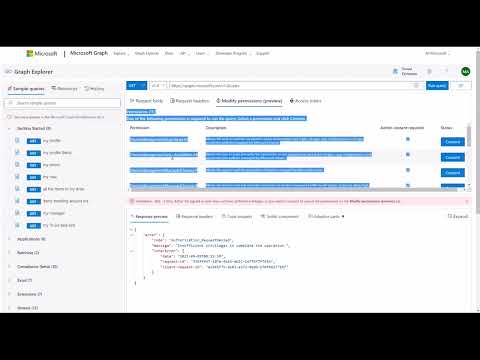
graph api,microsoft azure,windows support,microsoft support,azure,azure ad,windows 10,microsoft. Endpoints of used in this video : GET {your-managed-identity-service-principal-id} Microsoft Graph API always has the appId that is: 00000003-0000-0000-c000-000000000000 GET eq '00000003-0000-0000-c000-000000000000' GET {your-graph-serviceprincipal-id}/appRoles/ POST {your-graph-serviceprincipal-id}/appRoleAssignedTo Content-Type: application/json { "principalId": "{your-managed-identity-service-principal-id}", "resourceId": "{your-graph-serviceprincipal-id}", "appRoleId": "{your-app-role-id}" } You can use this to check the permissions assigned to Managed Identity GET {your-managed-identity-service-principal-id}/appRoleAssignments If you want to delete than you can use this one DELETE {your-graph-serviceprincipal-id}/appRoleAssignedTo/{appRoleAssignment-id}
- 587Просмотров
- 7 месяцев назадОпубликованоGraph Explorer
Add Graph Application Permissions to Managed Identity using Graph Explorer
Похожее видео










Популярное
Новини