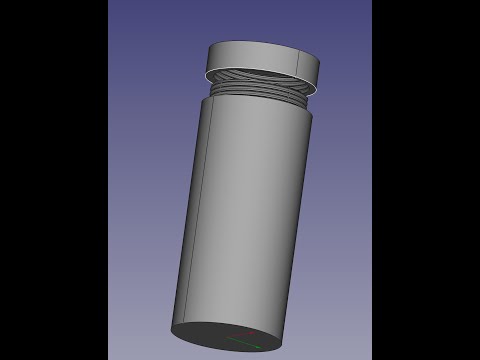
In this video number #13, you will see how to draw the 3D model shown in the video, and at the same time, you will see examples of when to use: – Sketcher (Projection Geometry, Geometry Modes, Mirror), Attachment Offset; – PartDesign (Pad, Pocket, Hole); – Part (Slice Apart); – Fasteners (Hexagon Socket); – Draft (Clone); – Transform tool for assembling parts. ------------------------------------------------------------------------ Books that may interest: • Tips and Tricks for FreeCAD 1+: • 200 3D Drawing exercises for FreeCAD 1.0+: • 50+ 3D Exercises from OffsetCAD's YouTube channel book: • FreeCAD 1.0 tips & tricks ebook: ------------------------------------------------------------------------ Install FreeCAD & Weekly builds/Dev version from here: ------------------------------------------------------------------------ Video moments: 00:00 - Intro 00:40 - Creating and saving a document 00:58 - Adding a body object 01:16 - Creating the first Sketch 03:26 - Extruding the Sketch 04:08 - Creating the second Sketch 08:31 - Pocketing the second ketch 08:39 - Fillet 09:16 - Creating another Sketch 13:42 - Pocketing the Sketch 14:12 - Creating another Sketch 15:37 - Pocketing the Sketch 15:56 - Crating holes using PartDesign Hole tool 22:40 - Setting up the holes reference 23:23 - Fillet and Chamfer 25:30 - Splitting the 3D model into two parts 29:01 - Adding hexagon socket screws 30:58 - Assembling the screws in the 3D model #freecad #freecadtutorial
- 5795Просмотров
- 1 месяц назадОпубликованоOffsetCAD
FreeCAD 1.1: 3D modeling exercise 13 | Part: Slice Apart
Похожее видео


Популярное
Новини