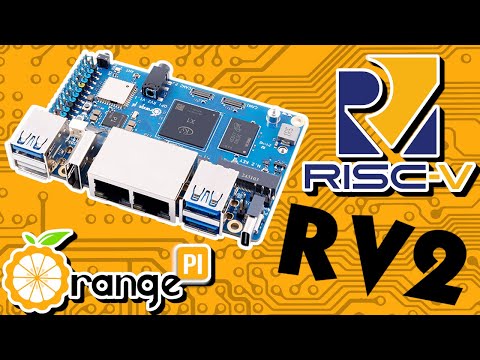
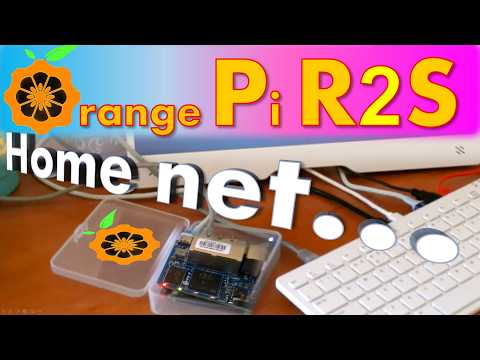
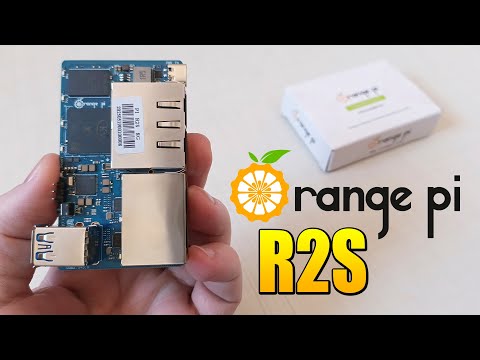
Orange Pi got us 2 new SBC models based on 64-bit RISC-V architecture. RV2 is a general purpose SBC for a desktop use or mobile & industrial applications. While R2S is s great little 4-port Ethernet router packed with functionality. It comes preinstalled with OpenWRT OS, so you just plug it in and it works... Every Pi needs a network connection, right? You can build your own secure home network just by plugging it in and setting-up the right configuration form a HTTP GUI... It also supports network shares, firewall and much more! This works on any computer with Windows or Linux including a classic PC, an Orange Pi or a Raspberry Pi... Stay tuned for the next video... INFO: Set your Ethernet adapter to DHCP mode, plug-in your computer into a running Orange Pi R2S open source router (with the original factory preprogrammed OpenWRT OS in its eMMC drive) and call command ipconfig (on Windows) or ip a (on Linux) to get your DHCP IP address. Now, type HTTP://[first 24-bits of your IP address].1 (ex. if your IP address is: then your router address is: ) into your internet browser. Orange Pi R2S setup page appears! Orange Pi RV2 and R2S can both be used as efficient hardware routers or serve other network roles. A powerful Ky X1 SoC with GPU, VPU and AI acceleration also enables Orange Pi RV2 to used as a desktop or a video capture & conversion device. AI capabilities allow for instant AI object detection or running LLM AI models... Watch the video to learn more about this amazing architecture...
- 2027Просмотров
- 4 месяца назадОпубликованоPC USB Projects
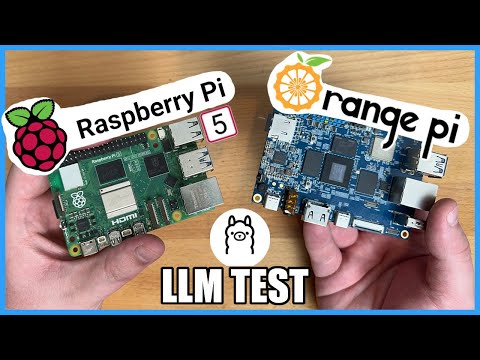
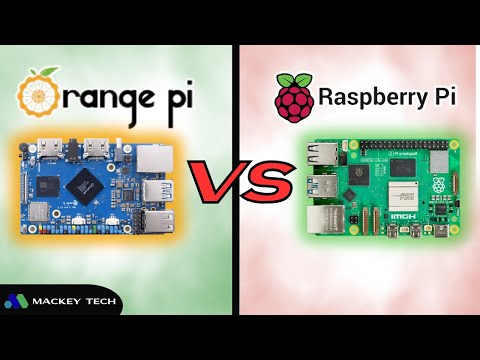
Orange Pi RV2 (8 cores+AI) and Orange Pi R2S (8 cores+AI) vs. Raspberry Pi 5 (4 cores)
Похожее видео







Популярное
Новини