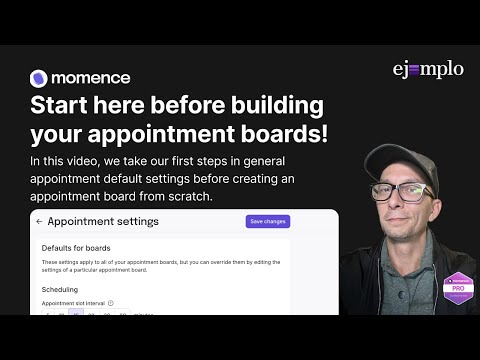
Today we’re diving into Appointment Board settings in Momence — and if appointments have ever felt chaotic or “why is this board doing that?”, this walkthrough clears it all up. We go through how boards actually work, how services attach to them, and the settings that make daily scheduling way easier for your team. At Ej3mplo, we help fitness and wellness studios use Momence in a way that actually reflects real operations — clean setups, predictable behavior, and fewer surprises on the schedule. If this helps, like the video, subscribe, and drop a comment with any appointment-related questions you want us to test in the sandbox. Work with us: Get 3 free months of Momence: In this video, we cover: • What an Appointment Board actually is in Momence (and why it’s not just “a room”) • How boards interact with services, durations, instructors, and availability • When to split boards vs when to combine them — real examples from pilates, strength, PT, and multi-room setups • How instructor availability + board availability work together (and the conflicts that happen when they don’t) • How to think about multi-location vs single-location boards • Why service categories matter way more than most studios realize • The impact of board settings on scheduling, reporting, payroll, and automations • Common pitfalls that make appointments disappear, double book, or ignore rules • The cleanest, simplest way to structure boards so your team always knows where to put sessions Appointments are powerful in Momence — but only if the boards are set up cleanly. This walkthrough makes the whole thing predictable instead of mysterious. #momence #momencetutorial #momencehelp #momencetips #appointments #appointmentboards #fitnessbusiness #wellnessbusiness #pilates #yoga #gymowners #studiooperations #ej3mplo
- 9Просмотров
- 1 неделя назадОпубликованоEj3mplo Momence Tutorials
Appointment Boards Part 2: Build Your Board!
Похожее видео










Популярное
Новини