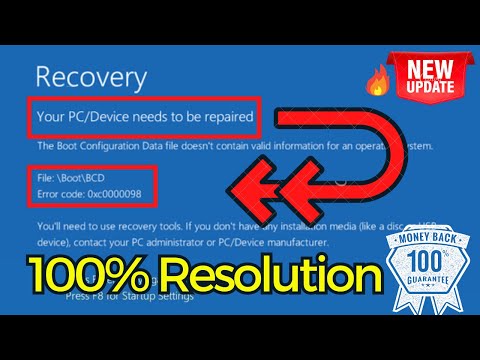
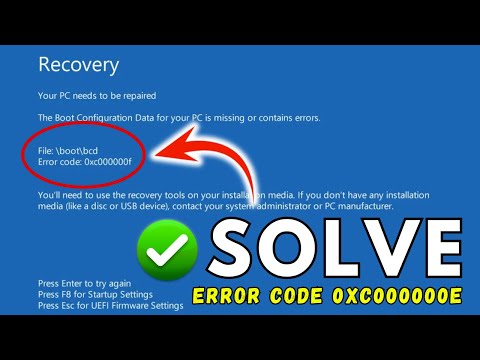
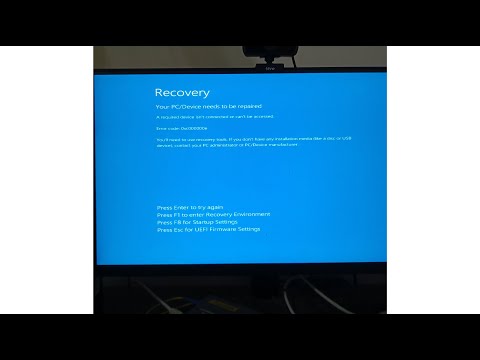
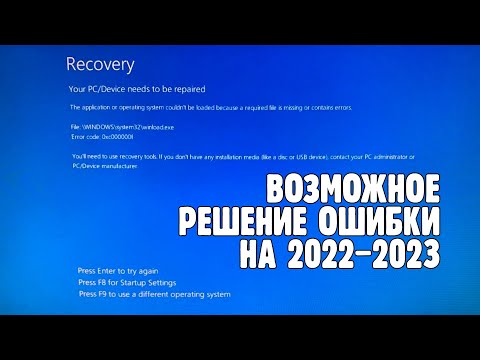
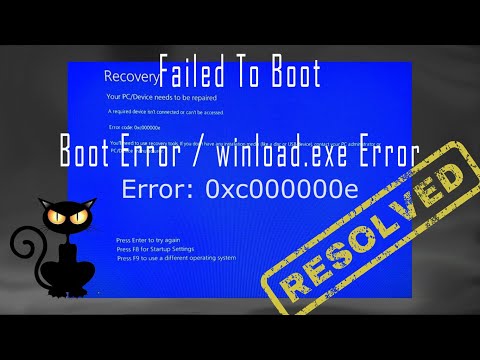
#error0xc000000e #windows10error0xc000000e #adeviceisntconnected Fix error code 0xc000000e in windows 10 which is so called bsod error which says your pc needs to be repaired. A required isnt connected or cant be accessed error code 0xc000000c. A complete solution to error code 0xc000000e. this video will help you either fix or provide a solution to install windows so that you will be able to run your windows again. watch the full tutorial to fix your pc needs to be repaired error code 0xc000000e commands i use here : bootrec /fixmbr bootrec /fixboot bootsect /nt60 sys bootrec /rebuildbcd commands i use in method 3 : diskpart list disk select disk 0 online disk exit Another method used by one of the user- After opening cmd select the disk on which your os is installed using "select disk disk number" Then use "list partition" Find the partition that has label ESP/EFI (Usually of 100mb or 300mb) * If labels are not visible just use "select partition x" then "detail partition" to view details of individual partitions and thier labels Note down the letter (let's say It's "E:") Select the partition which has the os c drive By using "select partition partition number of os drive" Then Use these commands in order 1. assign letter=Z 2. exit 3. bcdboot Z:\Windows /s E: /f UEFI *Here "E:" is the partition with the ESP label One of the best and fastest hosting at discounted rates(upto 80% off) : Windows 11 playlist : Subscribe Now : Follow me on Facebook : Twitter : YouTube : Become my channel member and get personalized/on-demand videos and member only video access. Click on the link below to join : My website : If you like my video please subscribe my channel and hit the bell icon to continue receiving updates from my channel. Don't forget to share my channel. Thank you for your love and support :) #errorcode0xc000000e #bsoderror0xc000000e #windows10error0xc000000e
- 542462Просмотров
- 3 года назадОпубликованоLotus Geek
Error code 0xc000000e Your PC needs to be repaired
Похожее видео





Популярное
Новини