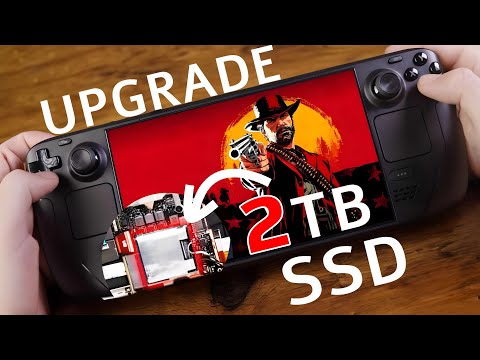
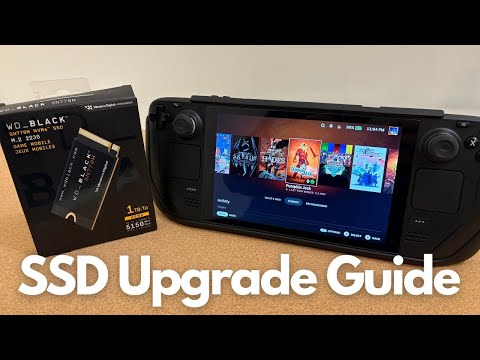
Are you struggling to fit your game library on your beloved Steam Deck? Fear not, we have the solution! Check out our comprehensive SSD upgrade guide covering everything from the installation of a new M2 SSD all the way to flashing the new SSD with Steam OS. Her are some links that will help you through this process: How to enable battery storage mode +to+Enable+Battery+Storage+Mode/149962 Steam OS download page Rufus Most of the tools you need are in our Pro Tech Toolkit! Buy a SSD on iFixit! Stay Organized with our FixMat Chapters 00:00 Intro and Tools Required 00:29 Warning and Tips 00:37 Setting up Steam Deck for Repair 01:01 Back Cover Removal 01:53 MotherBoard Cover Removal 02:12 Battery Disconnection and SSD Removal 02:51 Reassembly Begins 02:57 SSD Installation and Connecting Battery 02:07 MotherBoard Cover Installation 03:21 Back Cover Installation 03:39 Loading New OS on to SSD and Recovery Process Subscribe to our channel for all our latest teardown and repair videos! Follow us on Twitter: Check us out on Facebook:
- 475083Просмотров
- 2 года назадОпубликованоiFixit
Steam Deck SSD Replacement: Get it Done in 20 Minutes!
Похожее видео






Популярное
Новини