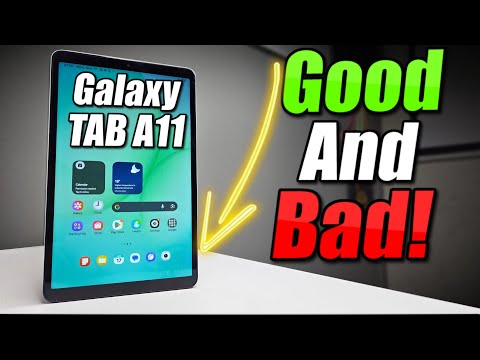
If you want to know how well the SAMSUNG Galaxy Tab A11 LTE handles popular games and how to get the best performance, this video is for you. We run a real gaming test on the Galaxy Tab A11, showing gameplay in PUBG Mobile and Asphalt Legends, and share practical performance tricks to make your games run smoother. Learn how to optimize your tablet using device care, update your software, unlock developer options, adjust animation scales, and limit background processes for better gaming. Even though the Galaxy Tab A11 doesn't have Samsung's native Game Booster, you can still boost your gaming experience with these easy steps. Watch the full video to see real results and get the most out of your Galaxy Tab A11 LTE for gaming. How to improve gaming performance on SAMSUNG Galaxy Tab A11 LTE? How to optimize SAMSUNG Galaxy Tab A11 LTE for PUBG Mobile and Asphalt Legends? What are the best performance settings for games on SAMSUNG Galaxy Tab A11 LTE? 0:00 Introduction and Overview 0:15 Performance Tips and Tricks 1:00 Using Device Care and Software Updates 1:30 Unlocking Developer Options 2:00 Adjusting Animation Scales 2:30 Limiting Background Processes 3:00 Closing Background Apps 3:20 Launching Gaming Hub 3:50 PUBG Mobile Gaming Test 5:30 Graphics Settings and Gameplay 7:00 Asphalt Legends Gaming Test 9:00 Graphics Settings and Gameplay 10:30 Final Thoughts and Summary #SamsungGalaxyTabA11 #GalaxyTabA11Gaming #GamingPerformance #SamsungTips Find out more: Follow us on Instagram ► Like us on Facebook ► Tweet us on Twitter ► Support us on TikTok ► @ Use Reset Guides for many popular Apps ►
- 16201Просмотров
- 1 месяц назадОпубликованоHardReset.Info
Samsung Galaxy Tab A11 — Gaming Test & Performance Tricks
Похожее видео






Популярное
Новини