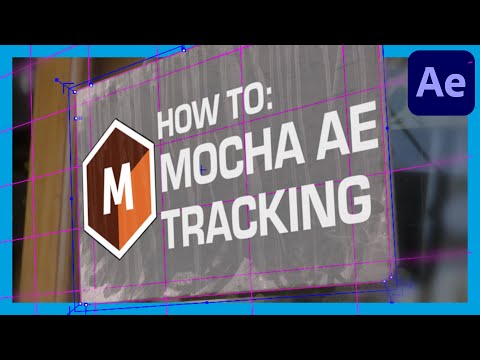
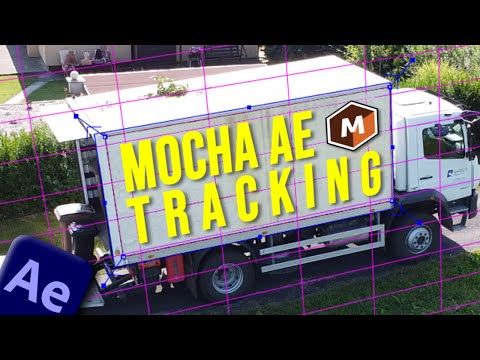
Best After Effects Alternative for Easy Track Motion: Are you facing challenges with motion tracking in After Effects? Look no further! In this video, we explore the power of Mocha AE, a plugin that enhances motion tracking capabilities in After Effects, particularly for planar tracking. Join us as we dive into the process step-by-step, from setting up the composition to applying tracking data and finalizing with keying techniques. Improve your video editing skills with this comprehensive tutorial and take your motion tracking to the next level. Remember to like and share this video if you find it helpful. Stay tuned for more valuable tutorials to enhance your video production! MORE TUTORIALS ➜ After Effects Tutorial: Remove Blemishes - ➜ After Effects Tutorial: Rotoscoping - ➜ After Effects Tutorial: 3D Text Motion Tracking in After Effects : ➜ After Effects Tutorial: Glowing Echo Effect: 📧 For Sponsors: LinesToDesignsCo@ Download My Media Kit - 🤖 🎥 MY FAVORITE AI VIDEO TOOL 🎶 Exceptional Music for Creators ______________________________________ CHAPTERS 00:00 Introduction 00:13 Setting up Composition 00:38 Tracking In Mocha AE 01:19 Importing Tracking Data into After Effects 02:16 Working with Screen Overlay 03:19 Doing some VFX Cleanup 04:26 Final Result & Conclusion FOLLOW ME ON SOCIAL ➜ ➜ ➜ Website ➜ For sponsors: linestodesignsco@ #aftereffects #vfxtutorials #timewarp #borisfx #MochaAE #aftereffectstutorial #videoeditingtutorial #aftereffectstutorial #aetutorial #vfxtutorials #videoeditingtutorial #planartracking #motiontracking
- 343721Просмотров
- 2 года назадОпубликованоLines To Designs
Mocha AE: The EASIER WAY to Track Motion in After Effects
Похожее видео



Популярное
Новини