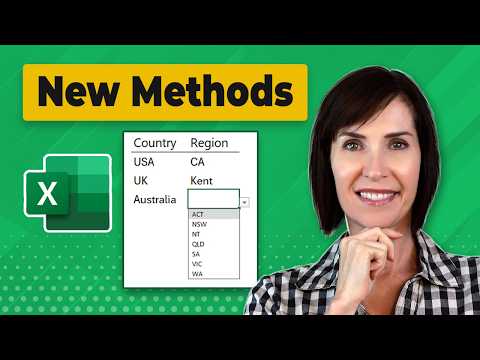
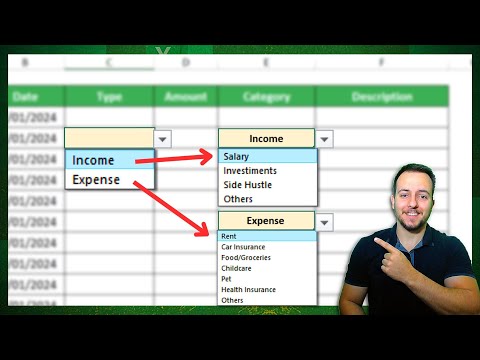
🔥 400,000+ professionals trust our courses—start your journey here 👉 Learn the art of creating dynamic drop-down lists and implementing advanced data validation. Whether you're managing projects, handling company data, or just looking to improve your Excel skills, this video is packed with valuable insights. 🔍 What You'll Learn: ▪️Dynamic Drop-Down Lists: Discover how to create drop-down lists that update automatically with new entries. ▪️Data Validation Techniques: Learn to validate dates, numbers, text length, and more, ensuring data accuracy and consistency. ▪️Practical Examples: Follow along with real-world scenarios, like managing project details across different divisions of a company. ▪️Expert Tips: Gain tips on using cell references, Excel tables, and custom functions for robust data validation. Full Article: ★★ Links to related videos: ★★ Indirect Function: Dependent data validation lists: ➡️ Join this channel to get access to perks: 👕☕ Get the Official XelPlus MERCH: 🎓 Not sure which of my Excel courses fits best for you? Take the quiz: 🎥 RESOURCES I recommend: 🚩Let’s connect on social: Instagram: LinkedIn: Note: This description contains affiliate links, which means at no additional cost to you, we will receive a small commission if you make a purchase using the links. This helps support the channel and allows us to continue to make videos like this. Thank you for your support! #excel
- 1030766Просмотров
- 7 лет назадОпубликованоLeila Gharani
Create SMART Drop Down Lists in Excel (with Data Validation)
Похожее видео










Популярное
Новини