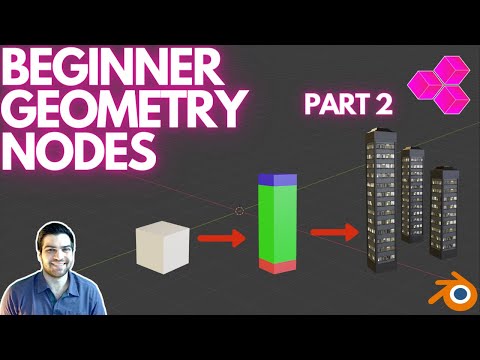
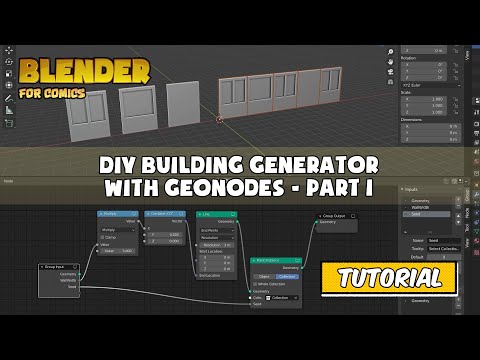
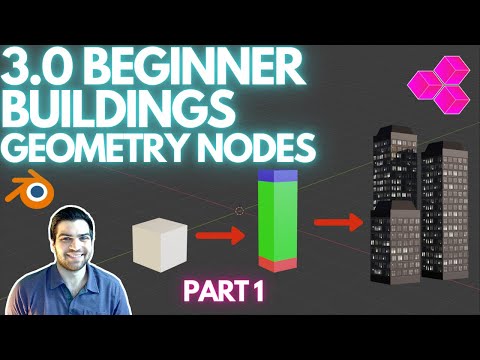
BLENDER 3.0 UPDATED VERSION: This concept ended up being far easier than I thought it was going to be when I set out to make building from geometry nodes. I would say this is probably one of the easiest objects to create with geometry nodes aside from just basic cubes. If you have any questions at all please do not hesitate to reach out to me! All the resources you need should be in the link below! I hope you enjoy the tutorial :) PART 2 BELOW: DOWNLOAD Blender BETA Check out some of our other videos! First ARCHVIZ Room in Blender SKETCHUP to BLENDER Add-On! Setting Up Materials Easy! HDRIs in Blender! INTRO MUSIC: Music: - "Dream" Bensound has amazing music you should check it out :) The website for our business can be found at , we have been putting work into it lately and it is almost finished! If you come across any broken links or text boxes that look like they should not be there we apologize and they will be cleaned up soon! Timestamps in the video: Introduction 0:00 Intro Video 0:49 Downloading Blender 1:01 Opening Blender Scene 1:44 Scaling and Duplicating Default Cubes 2:00 Changing Materials to Solid Colors 3:00 Opening Geometry Nodes (+New on Red Cube) 3:55 Add First Join Geometry Node 4:22 Add First Line Node 4:35 Connect Empty Slot to Count Slot 4:42 Change Name of Count to Levels 5:00 Adding a Point Instance Node 5:50 Add Into Join Geometry Node 6:00 Add/Fix Offset To Line Cubes Up (Do What Works) 6:15 Add Second Line Node In 7:05 Add Point Instance for Roof 7:25 Add Multiply Node (Math) 7:32 Quick Note About Geometry Nodes 7:49 Add Addition Node (Math) 8:15 Why We Use The Math Nodes 8:30 Add Combine XYZ Node 8:54 Make Sure Offsets All Line Up 9:20 Finished Color Block Building 9:55 Walk-Through of Our Geometry Node Tree 10:35 See You In Part 2! 13:00
- 12174Просмотров
- 4 года назадОпубликованоLuminous Labs
Create BUILDINGs with BEGINNER Blender GEOMETRY NODES! Part 1 - Colored Blocks
Похожее видео




Популярное
Новини