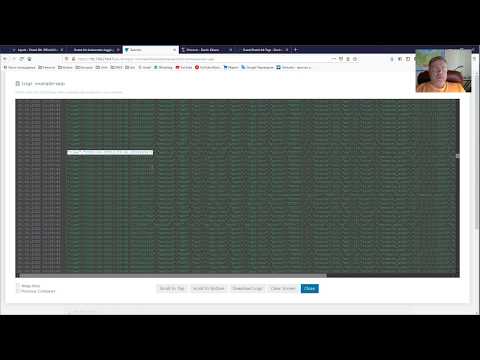
In this informative video, we look at how to setup Loki on a Kubernetes cluster using Helm. Cloud native applications with their highly distributed nature require different approach for handling logs. As per the Twelve Factor Apps or 15 Factor Apps methodology, it is recommended to treat log as a stream of events and store them in a central location. This allows the cloud native applications to be more portable. This video showcases how to setup Loki using Helm chart and visualise the logs using Grafana. #Loki #helm #loggin #cloudnative #grafana #cloudnativeninja ▬▬▬▬▬▬ 🔗 Additional Info 🔗 ▬▬▬▬▬▬ - 🔗 Loki overview - - 🔗 Loki homepage - - 🔗 YouTube video on how to install Prometheus on Kubernetes cluster using Helm - - 🔗 YouTube video on how to install RabbitMQ on Kubernetes cluster using Helm- - YouTube video about 15 Factor Apps on Logs - - 🔗 Youtube playlist for Cloud Native Ninja - - 🔗 Youtube playlist for Kubernetes - - 🔗 Github repository with Markdown file - ▬▬▬▬▬▬ ⏱ Chapters⏱ ▬▬▬▬▬▬ 00:00 - Quick overview of Loki 02:05 - Cloud Native Ninja app for log generation 03:00 - use Helm chart for Loki installation 04:30 - Loki installation pre-requisites 06:00 - Generate logs using Postman 07:00 - Verify the messages using RabbitMQ management UI 07:45 - Visualise logs using Grafana 9:30 - Summary ▬▬▬▬▬▬ 👋 Contact me 👋 ▬▬▬▬▬▬ Connect with me here: - 🔗 Subscribe: - 🔗 YouTube : @nilesh-gule/ - 🔗 GitHub: - 🔗 Twitter: - 🔗 Website: - 🔗 LinkedIn :
- 3858Просмотров
- 1 год назадОпубликованоNilesh Gule
How to setup Loki on Kubernetes cluster using Helm
Похожее видео






Популярное
Новини