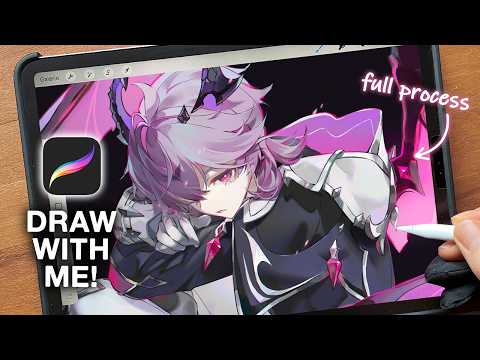
🖌️You can get the brushes I'm using in this video for free! 🖌️ Hi! This is a tutorial where I explain how I render in 5 steps, and I go into detail about the brushes I use, layer structure, and how I draw lighting! I tried to explain as many things as possible, but if you have any questions, leave a comment and I'll do my best to answer them. And feel free to answer the others' questions if you know the answer! Let's help each other and grow as artists together ✨ #digitalrendering #digitalartworktutorial #procreateipad #howtodrawanime #brushesinprocreate #shadingtutorial #lightingtechniques #drawingtutorial #renderingtips ☁----------------------------------------- ✿Tablet : iPad Air 4th generation ✿Canvas size : 3600*5100 ☁----------------------------------------- ✨Let's stay connected✨ ✿Twitter: ✿Bluesky: ✿Website: ✿Email: @ ☁----------------------------------------- 🎧Featured Music🎧 ♪ stream cafe - sunset plaza link: ♪ stream cafe - match point link: ♪ stream cafe - wishing on a star link: ☁----------------------------------------- ⌛Timestamps⌛ 0:00 intro 0:16 steps 1:43 layer structure 3:05 brushes 3:57 sketch 5:43 base color 6:42 lighting 8:12 adding colors & refining 10:05 3 sources of lighting 11:13 rendering
- 428538Просмотров
- 5 месяцев назадОпубликованоHidari Mimi Art
How I render ☁ sketch to render process in Procreate
Похожее видео

Популярное
Новини