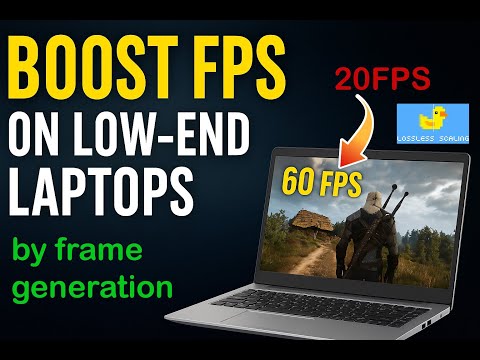
Twitch: 1chopp2K These are 'quick' settings for most games. If you want to get a stable 60 FPS, limit the FPS in the game itself to 30 FPS and then set 2x multiplier in LS. If you need 120 FPS, limit it to 60 FPS and set a 2x multiplier. It may happen that you need 90 FPS, but your PC can't deliver a stable 60 FPS. In that case, you can limit the FPS in the game to 30 FPS and set a 3x multiplier. But I do not recommend setting the multiplier higher than 2, as it can cause significant lag and poor performance. About enabling VSync. If your monitor supports GSync, you can turn off VSync. Turn on VSync = Turn off GSync Turn on GSync = Turn off VSync For all Windows users, I recommend installing the DXGI Capture API. Also, if you don't understand something, in Lossless Scaling itself, hover your cursor over any setting and it will explain what it does and whether you should enable it. For low-end PCs, fine-tuning is most likely needed. If you don't like something, try adjusting the settings manually. Go into the game itself and test it. If everything is fine, you can add the game profile to Lossless Scaling. If you want to ask something, write in the comments! I'll give the best advice: try everything for yourself! Thank you! Music: Airport Lounge - Disco Ultralounge (Kevin MacLeod)
- 985Просмотров
- 2 месяца назадОпубликованоchopp
Lossless Scaling settings for every game!
Похожее видео



Популярное
Новини