Your team collaborates in Confluence to create the very best help documentation possible. But then, how do you get it in front of the people who need it most? You can start by adding context sensitive help links to your app and then one-upping those with a true in-app help experience. There are a few different ways to get your Confluence content right where people need it. With the many ways you can get your helpful content to people, which is the best? This video covers the options your team can use to make your content more helpful and engaging to your users. How did your team implement in-app help? Are there methods we didn't mention? Let us know in the comments below. ⬇ Want to share a readable version? Find it here: Chapters: 00:00 - Intro 00:25 - What is Context-Sensitive Help? 01:35 - Why is Context-Sensitive Help Great? 01:53 - What is In-App Help? 02:34 - Why is In-App Help Great? 03:14 - How to Put Help in Your App 03:22 - Use the In-App Help Feature in Scroll Viewport 04:17 - Use Confluence Public Links to Embed Pages in Your App 04:55 - Export Your Confluence Content Into Another Format 05:26 - Wrap Up #Atlassian #Confluence #documentation #content #helpcenter #bestpractice #context #inapphelp #embeddedhelp
- 2420Просмотров
- 4 года назадОпубликованоK15t
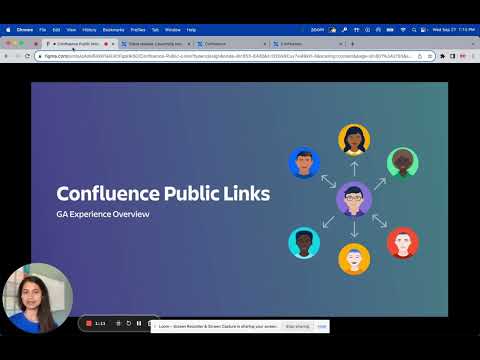
Use Atlassian Confluence Public Links to Embed Pages in Your App
Похожее видео







Популярное
Новини