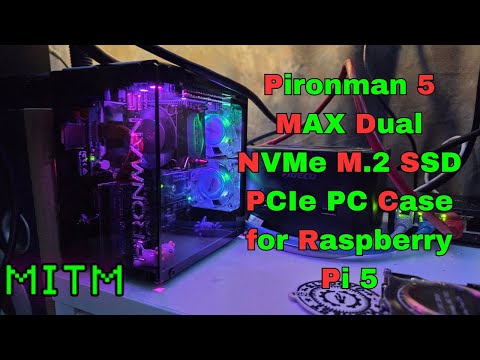
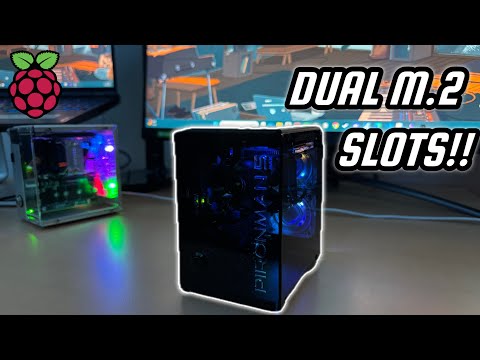
In this video, I review the Pironman 5 Max case for the Raspberry Pi 5, a premium enclosure that adds NVMe storage support, quiet cooling fans, and a sleek design. I’ll walk you through the features and give you my thoughts. Is this is the best Raspberry Pi 5 case yet? Whether you’re looking to boost Raspberry Pi 5 performance, add fast NVMe SSD storage, or keep your system cool and quiet, the Pironman 5 Max is worth a closer look. *👨🎓 Check out my latest Courses* Take your Linux Learning further! With my latest paid courses, you'll learn valuable skills that will enhance your career. Available for 50% off until September 30th! • Ansible Course ➜ • Linux Essentials Course ➜ *🐧 Support Linux Learning and become a Patron* Receive exclusive perks, such as ad-free Linux videos and access to the official Discord server! Join here ➜ *🐧 Support Learn Linux TV* • Channel Membership ➜ • Patreon ➜ • Spin up your very own Linux server ➜ • Linux swag ➜ • Check out Netdata ➜ • Jay's Gear ➜ _Note: Royalties and/or commission is earned from each of the above links_ *🌐 Relevant Links* • Buy the Pironman 5 Max case (Affiliate Link) ➜ • Official blog post for this video ➜ • Installing the Pironman software (Sunfounder Documentation) ➜ • Compatible NVMe Drives (Sunfounder Documentation) ➜ • Cloning your OS to an NVMe (Sunfounder Documentation) ➜ *🕐 Time Codes* 00:00 – Introduction 01:51 – Review Disclaimer and What to Expect 02:24 – Pironman 5 Max Features and Hardware Overview 04:28 – Step-by-Step Assembly of the Pironman 5 Max Case 05:38 – Special Course Announcement from Learn Linux TV 07:00 – Installing and Using Required Pironman 5 Max Software 08:09 – Raspberry Pi 5 Performance, Cooling, and Thermal Results *🎓 Full Linux Courses* • Linux Crash Course ➜ • tmux ➜ • vim ➜ • Bash Scripting ➜ • Proxmox VE ➜ • Ansible (Udemy) ➜ • Linux Essentials (Udemy) ➜ *🎓 More About Learn Linux TV* • Main site ➜ • Community Forums ➜ • Github Account ➜ • Content Ethics ➜ • Request Paid Assistance ➜ ⚠️ Use Content Responsibly Learn Linux TV shares technical content intended to teach and help you, but it comes with no warranty. The channel is not liable for any damages from its use. Always ensure you have proper permissions, follow company policies, and comply with all applicable laws while working with infrastructure. 🚫 Authentic Content, No Shortcuts Learn Linux TV values integrity and does not engage in click-farming, unauthorized services, or artificial view inflation. All growth—subscribers, likes, and views—comes organically from high-quality Linux tutorials, reviews, and educational content created to genuinely help viewers. #CloudComputing #DevOps #Linux
- 16432Просмотров
- 3 месяца назадОпубликованоLearn Linux TV
Best Raspberry Pi 5 Case? Pironman 5 Max Full Review
Похожее видео







Популярное
Новини