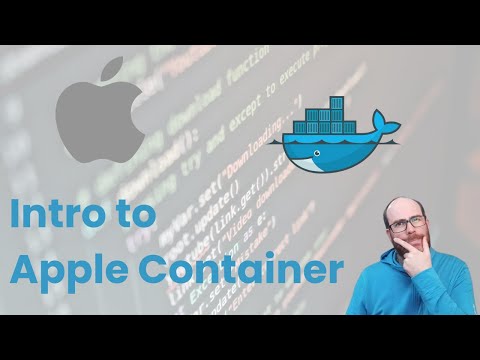
Apple has quietly released a new native container runtime for macOS, written in Swift and fully optimized for Apple Silicon. In this video, I explore Apple Containers—an open-source alternative to Docker and Podman designed specifically for Mac development workflows. You’ll learn how to: ✅ Install Apple Containers with Homebrew ✅ Use the container CLI to pull and run container images ✅ Run containers in interactive and detached modes ✅ Assign container-specific IPs without port binding ✅ Mount volumes and share local folders ✅ Run real-world containers like NGINX, Alpine, and Ubuntu But there’s a catch—Compose support is missing. If you're orchestrating multi-container applications, Apple Containers aren't ready to replace Docker or Podman just yet. However, with active GitHub discussions and full open-source availability, Compose support might arrive soon—either from Apple or the community. 🧠 Key Takeaways: - Native performance with optimized VMs per container - Simpler IP-based access (no port binding needed) - Good for lightweight, isolated containers - Not yet viable for full dev environments without Compose 📦 GitHub Repo: ⏱️ Chapters: 0:00 Intro – What Are Apple Containers? 0:44 Requirements & Installation with Homebrew 1:32 Pull an Image (Nginx) and Run It 2:04 Networking and Port Forwarding 2:32 Running a Container in Interactive TTY Mode (Alpine Linux) 2:43 Binding Volumes to Share Filesystem Locations 3:09 Running Ubuntu and Installing Packages 3:38 The Missing Piece: Compose Support 4:28 Final Thoughts – Can It Replace Docker? ✉️ Stay Connected: 📧 Email: @ 🐦 Twitter: 🔗 LinkedIn: #AppleContainers #DockerAlternative #macOSDev #Swift #Containers #Podman #DockerDesktop #ReactNative #DevTools
- 137928Просмотров
- 5 месяцев назадОпубликованоNL Tech
Goodbye Docker Desktop? Apple’s Native Containers for Mac Explained
Похожее видео







Популярное
Новини