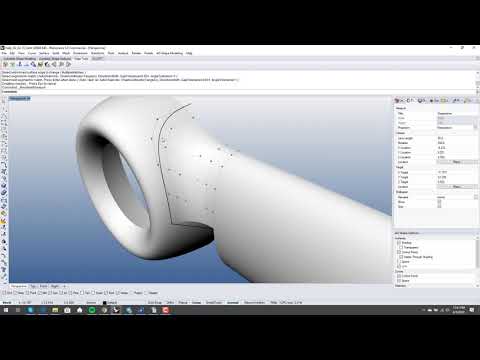
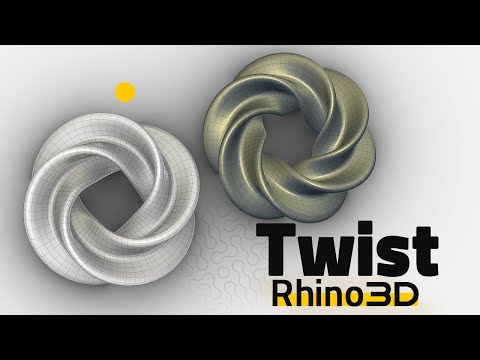
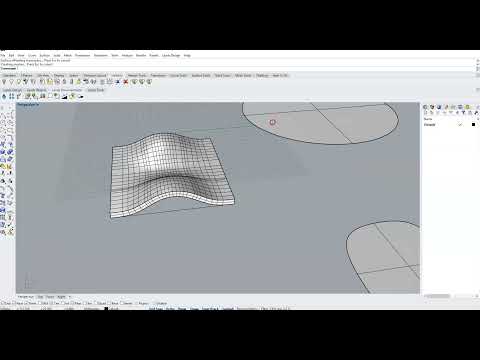
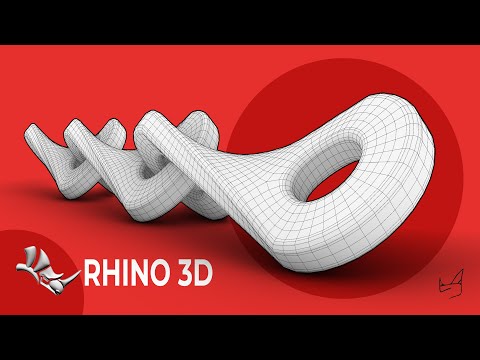
In this Rhino 3D tutorial, I’ll show you how to model a complex 3D shape step-by-step using only basic commands and SubD tools, but with a professional workflow. Whether you're a beginner or looking to sharpen your surface and SubD modeling skills, this method will simplify your process while maintaining precision and control. You'll learn how to: ✔️ Sketch clean outlines with Curves ✔️ Adjust control points like a pro ✔️ Use Mirror, Split, and Tween Curve commands effectively ✔️ Create complex surfaces with Sweep 2 Rails & Edge Curves ✔️ Apply Quad Remesh for a smooth, unified mesh This technique is perfect for product designers, architects, and Rhino 3D enthusiasts aiming for professional results without relying on complex plugins. Telegram Channel: Telegram ID: @ahassanr Instagram: #Rhino3D #3DModeling #RhinoTutorial #SurfaceModeling #Sweep2Rails #QuadRemesh #ProductDesign #ArchitecturalModeling #SubD
- 1435Просмотров
- 4 месяца назадОпубликованоMr Rhino3D
Complex 3D Shapes in Rhino 3D - Using Simple Commands, Pro Techniques!
Похожее видео


Популярное
Новини