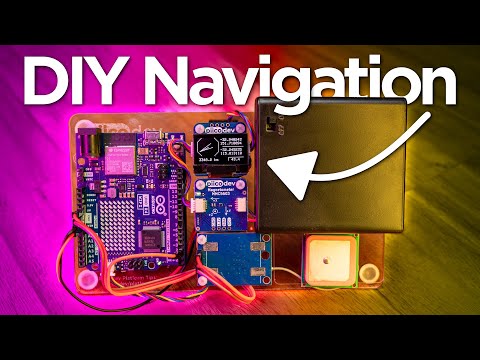
🔗 *The full guide* : _ In this video, we will be learning how to add a GPS receiver module to a Raspberry Pi Pico. We will be taking a look at how GPS works, and how to wire up and code your project to get coordinates, as a final step, we will be making a short and sweet GPS project - a small device that tracks a target location and uses our current location to display the distance and direction to that target, allowing you to navigate there from anywhere on the surface of the earth. 🔧🔨🧰 Hardware featured in this guide: *NEO-6M GPS Module:* _ *Picos:* _ #category_2118_ 💡❓ If you have any questions about this content or want to share a project you're working on head over to our *maker forum:* _ 0:00 What we are doing 0:20 How GPS works 1:57 What you will need 2:15 Wiring up the GPS module 3:00 Reading the raw UART output 6:55 Using a GPS library 9:25 Project: DIY navigation device 🌏🦘 *Core Electronics* is located in the heart of Newcastle, Australia. We're powered by makers, for makers. Drop by if you are looking for: • *Raspberry Pi* _ • *Arduino* _ • *Sparkfun* _ • *Adafruit* _ • *Pololu* _ • *DFRobot* _ The following trademarks are owned by *Core Electronics Pty Ltd:* "Core Electronics" and the Core Electronics logo "Makerverse" and the Makerverse logo "PiicoDev" and the PiicoDev logo "GlowBit" and the GlowBit logo
- 20167Просмотров
- 8 месяцев назадОпубликованоCore Electronics
How to add GPS to Your Raspberry Pi Pico | A Simple GPS Project
Похожее видео







Популярное
Новини