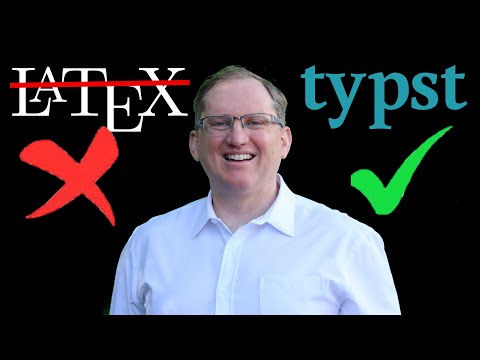
Ready to start your Typst journey? This step-by-step guide walks you through installing and setting up Typst on Mac, Windows or Linux, creating your first document, and getting familiar with the basic workflow. In this tutorial, you'll learn: - How to install Typst using Homebrew on Mac - Installation options for Windows and Linux users - Setting up your first Typst project - Creating and compiling your first document - Working with the watch mode for live updates - Setting up helpful editor extensions - Using the Typst web app alternative Whether you're coming from LaTeX, Word, or just looking for a better document creation system, this video will get you up and running with Typst in under 10 minutes. If you found this video helpful, please like and subscribe to support the channel. ⚠️ Join my channel to get access to perks: 🙏 Support my channel: • via Stripe: • using PayPal: • on Patreon at • by buying me a coffee ☕ - ✅ Let's connect: 🌍 My website - 💻 GitHub - Twitter - LinkedIn – 📝 Useful notes: 👨💻 Source code: ⏱️ TIMESTAMPS: 00:00 - Introduction 00:45 - Mac Installation with Homebrew 02:00 - Installation Options for Other Platforms 02:45 - Setting Up Your First Project 04:45 - Compiling Your First Document 08:00 - Editor Setup and Extensions 10:10 - The Typst Web App 11:42 - Conclusion 🔣 Keywords: #Typst #DocumentCreation #TechTutorial #ProductivityTools #MacTutorial
- 4311Просмотров
- 8 месяцев назадОпубликованоFederico Tartarini
Start Your Typst Journey: Installation Guide and First Steps
Похожее видео



Популярное
Новини