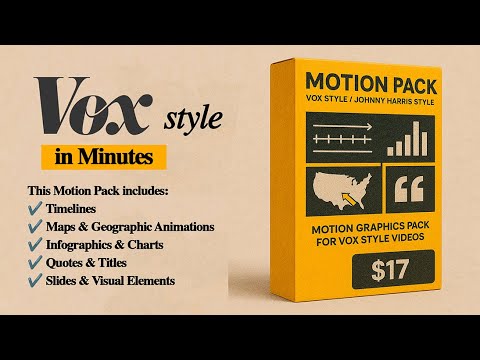
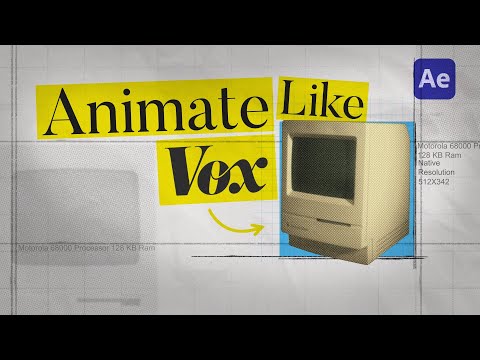
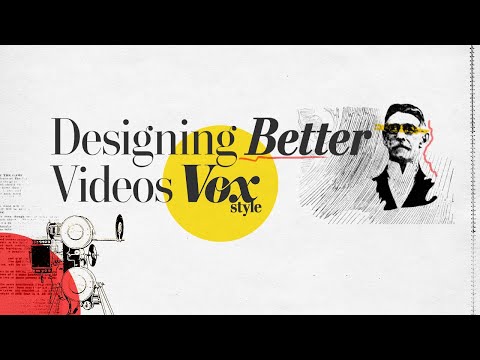
🎬 Vox-Style Animation in After Effects — Full Tutorial In this video, I’ll show you how to create a clean and modern animation inspired by the Vox explainer style — with soft paper textures, bold outlines, minimal typography, and that characteristic “handmade” frame-rate look. Step by step — from setting up your composition to final polish, using free tools like Animation Composer. 00:00 Introduction 00:47 Creating a composition 01:41 Adding effects 02:44 Adding paper texture 03:51 Adding media 04:45 Adding text 05:39 Adding animation 09:39 Final result 🎥 Available now on Gumroad big Vox style pack (only $17, free updates)→ 👉 🎁 Download free tutorial project files: 👉 📦 The premium pack includes: – Full AE project with styled compositions – Handcrafted paper textures – Grid overlays and visual elements – Pre-applied effects and expressions – Recommended fonts and color schemes This tutorial is beginner-friendly and also great if you want to add a documentary or editorial touch to your motion design. 👍 If you found this helpful, feel free to like and subscribe — it really supports the channel and helps me make more content like this!
- 8965Просмотров
- 5 месяцев назадОпубликованоSeiji Yūshin
How to Create Vox-Style Animations in After Effects
Похожее видео


Популярное
Новини